





Most people underestimate how much time they spend staring at a screen. A quick email check turns into half an hour of clicking between tabs. A short pause turns into another scroll. When work, messages, and entertainment all live behind the same glass, attention fragments fast. By the end of the day, screen time is high, but progress feels thin.
This is where a productivity tool earns its place. They exist to put structure back into digital habits. To create limits where none naturally exist. To help you decide when to work, what to ignore, and how long tasks actually take. What are the benefits of using productivity tools? Let’s take a look at how tools that block distractions, set schedules, and track time can change how you work, study, or spend time online. Not by adding more complexity, but by giving your attention a clearer direction.
What are productivity tools?
Productivity tools are apps and browser extensions designed to help you stay on task, manage attention, and follow a plan without constantly renegotiating with yourself. They sit quietly in the background, shaping how you spend your time rather than demanding it. To keep things simple, this section looks at productivity tools through a single example: BlockSite, used as a practical toolkit rather than a long list of features.
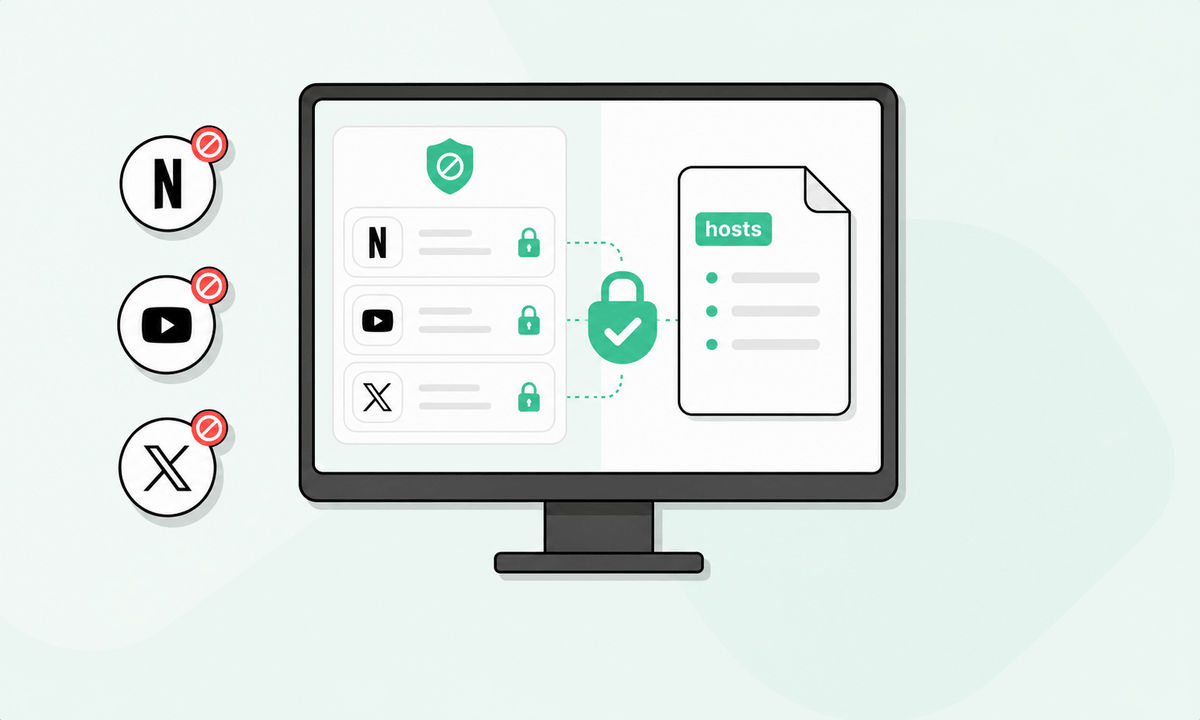
BlockSite helps remove digital distractions before they derail your work. Available as an app and as a site blocker extension, it allows you to disable access to specific websites and apps that you already know pull you off course. Instead of chasing individual URLs one by one or adding the top blocked sites, category blocking lets you cut off entire groups of content in a single step. Keyword blocking adds precision as it stops pages that include terms you want to avoid, even when they appear inside otherwise useful sites.
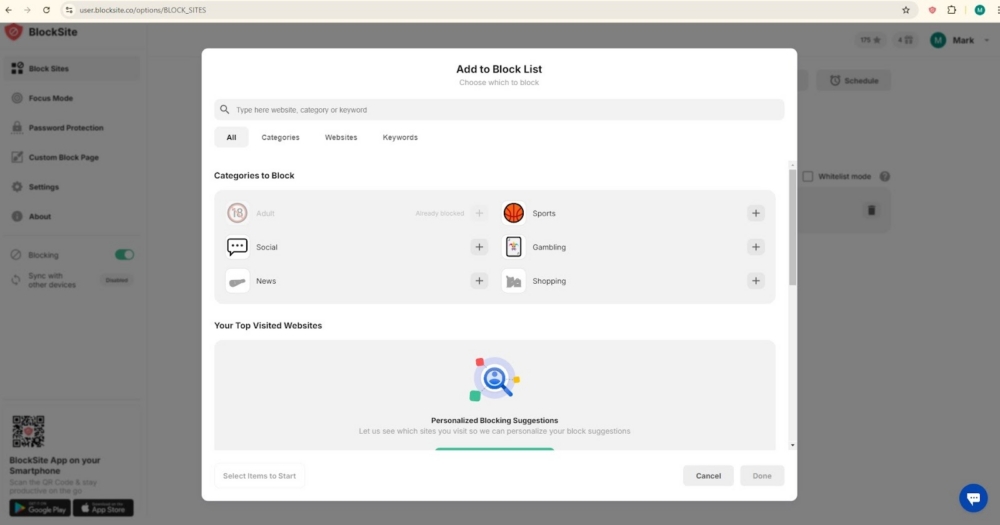
There is also an adult content blocker that filters out adult websites by default. This creates a cleaner browsing setup when that matters.
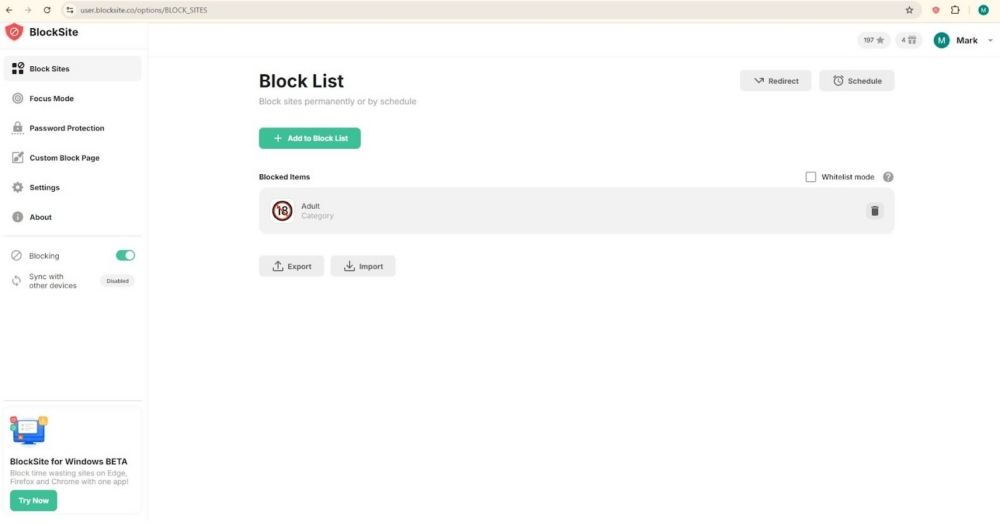
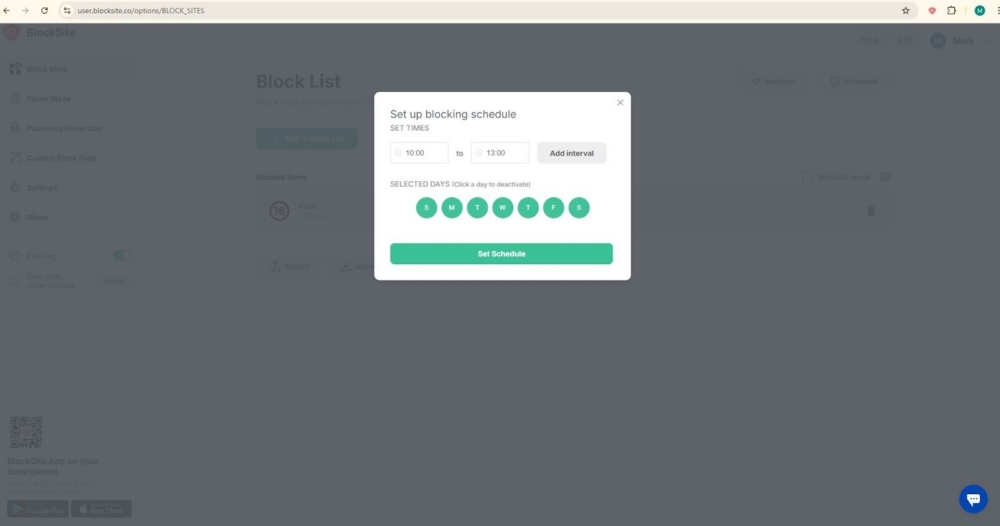
Time based rules are handled through Schedule Mode. You can apply different blocks during work hours, study sessions, or evenings, then let those rules run on their own.
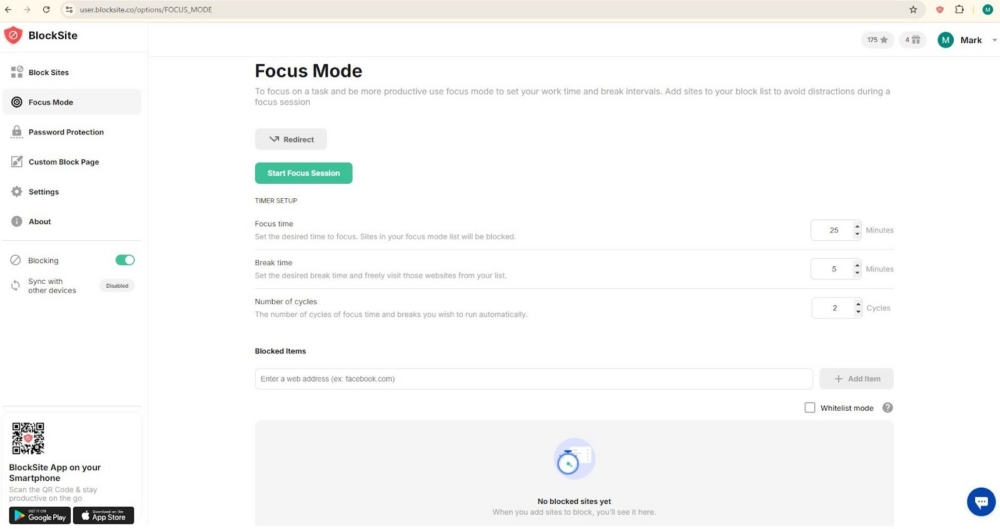
Focus Mode is built for uninterrupted work. It starts a focused session, limits access to distractions, and supports a Pomodoro style rhythm, helping you work in short bursts with planned breaks rather than burning out.
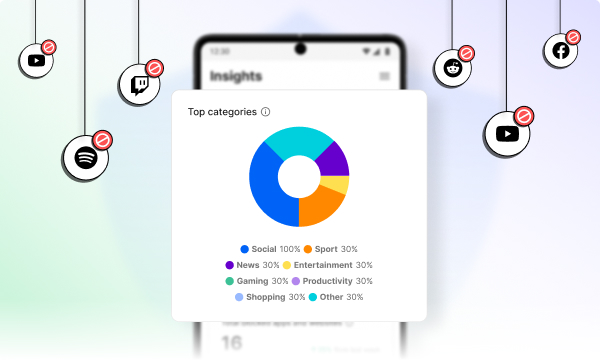
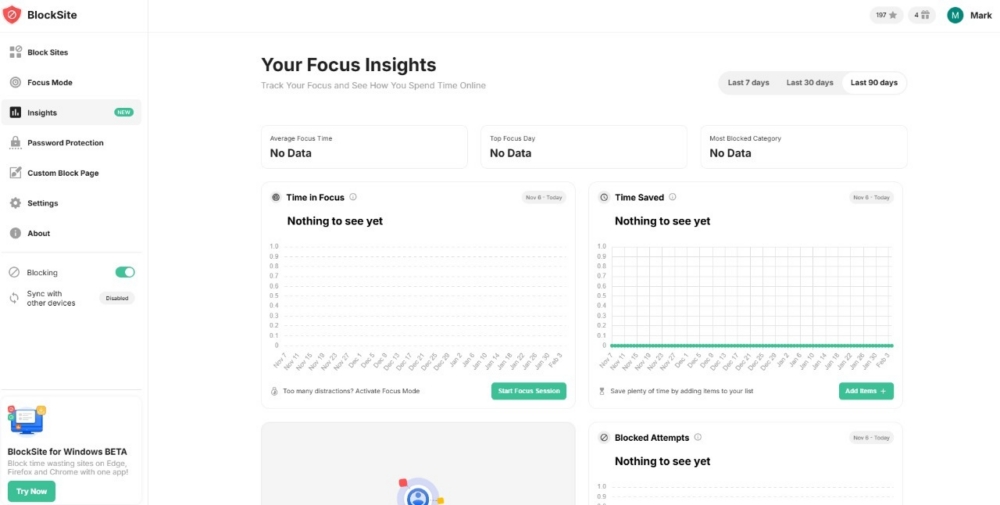
Insights adds visibility by showing usage patterns over time, making it easier to spot habits, trends, and recurring time sinks.
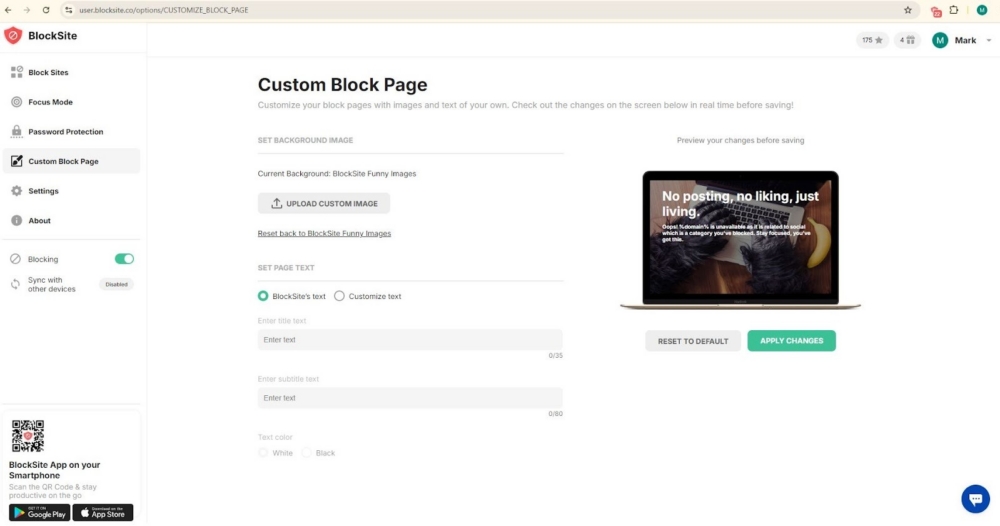
For added structure, blocked pages can redirect you to something more useful, such as a to do list, email, or study resource. You can also design a custom blocked page with your own message or image as a reminder of what you chose to protect.
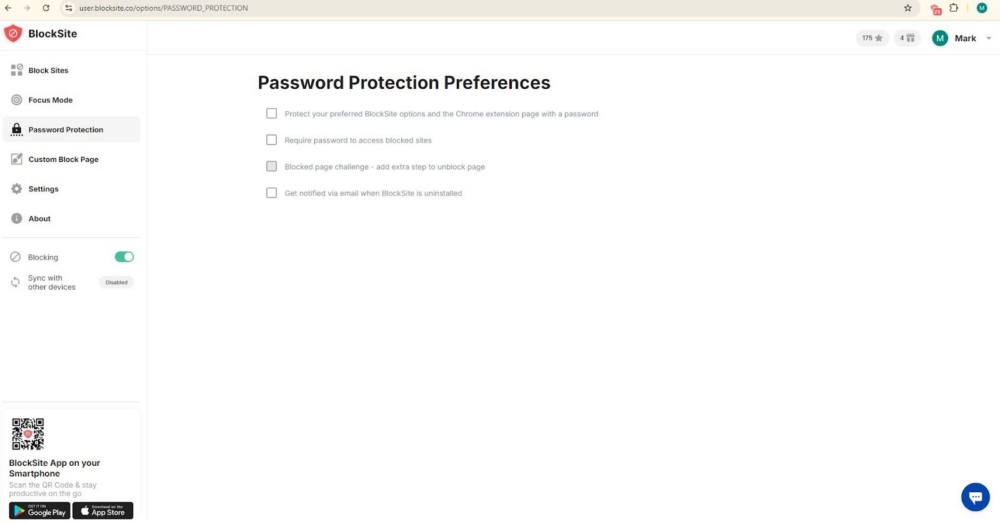
On shared devices, password protection keeps settings from being changed. Uninstall prevention adds another layer of commitment. With syncing, the same rules apply across supported browsers and devices, keeping your setup consistent wherever you work.
12 benefits of productivity tools
Productivity tools earn their place not through flashy features, but through small, repeatable gains that show up across the workday. Used consistently, they influence how you spend time, manage attention, and move work from start to finish. Below are twelve benefits, with everyday examples:
1. Fewer distractions during work blocks
When distracting sites and apps are unavailable, your attention has fewer reasons to drift. The brain switches tasks less often, which makes it easier to stay with one piece of work long enough to complete it. Over several days, those saved interruptions quietly turn into hours you did not realize you were losing.
2. Faster task completion
Constant tab switching slows progress more than it feels like it should. With fewer restarts, you spend more time actually working instead of reorienting yourself. Drafts get finished sooner, reports take fewer passes, and the familiar “where was I?” moment shows up less often.
3. Better time awareness
Time tracking tools make patterns visible. You begin to see when energy dips, which tasks take longer than expected, and where time leaks happen. With that context, planning becomes more realistic. Instead of guessing how long something might take, you plan around what usually happens.
4. Stronger habits through routines
Scheduled blocks turn intention into behavior. A set window for study, writing, or admin work removes the need to decide each day. This matters even more in remote settings, where work and personal time blur and routines do more of the boundary work for you.
5. Less decision fatigue
Predefined rules reduce mental negotiation. When a block is on the calendar or a site is unavailable, the decision is already made. That leaves more mental capacity for tasks that require judgment, creativity, or careful thinking.
6. Reduced procrastination loops
Many distractions begin with a small exception. Just a minute becomes much longer. Time limits and blockers interrupt that first step, which often prevents the loop from forming at all. On stressful days, this single barrier can make the difference between starting and stalling.
7. Smoother collaboration
Shared documents and task boards give teams a common reference point. Feedback lives in one place, ownership is clearer, and handoffs happen without long email threads. When several people touch the same project, this shared structure reduces friction.
8. Cleaner file management
Cloud storage and version history solve the problem of duplicate files and lost edits. Teams spend less time searching for the right document and more time working on it. Access across devices also means work continues smoothly, regardless of location.
9. Better communication flow
When used intentionally, chat tools and video calls shorten feedback cycles. Channels organize discussions by topic, and quick conversations replace long message chains. The result is faster clarification without added confusion.
10. More consistent work quality
Templates and checklists create a baseline. They reduce missed steps and catch small errors early. Over time, this consistency shows up in more predictable output and fewer last minute fixes.
11. Stronger accountability and reporting
Visible task status and time logs make progress easier to track. Individuals see what needs attention next, while managers can identify blockers sooner. Reporting also supports better planning and resource decisions.
12. Better security and compliance
Access controls and audit trails add structure to how files are shared. This matters when handling sensitive documents or client data. Clear permissions lower the risk of accidental exposure and make collaboration safer by default.
Make your screen time work for you
Productivity tools only help when they slide into your routine without friction, and BlockSite is built that way. You set the rules once, then let them run in the background. Block lists, category and keyword blocking, and adult content filtering cut out the usual distractions that quietly steal minutes and hours. Focus Mode and Schedule Mode carve out clear work periods and intentional breaks. Usage Limits and Insights show where habits shifted and where they did not. Add redirects, a custom blocked page, password protection, uninstall prevention, and device sync, and consistency becomes the default.
If calmer browsing and more completed tasks sound appealing, install BlockSite and set your first focus rule in under five minutes.
FAQs
Which of the following is an advantage of productivity tools?
A common advantage is clearer control over your time. Tools can reduce distractions, track where minutes go, and help you stick to a plan. If you are comparing options, look for productivity tools benefits like time limits, schedules, progress views, and easy setup. The right choice depends on what steals your time most.
What are the benefits of productivity?
Higher productivity often leads to calmer workdays. You finish important tasks earlier, which leaves room for breaks, planning, and recovery. That extra space matters. It lowers stress and reduces last minute rushing that can derail quality. With more time to review and adjust, mistakes are easier to catch before they turn into problems. Over time, this steady rhythm builds confidence, because work feels managed rather than chased.
Why is using productivity tools easier and more efficient?
Because they carry the mental load. Instead of relying on memory or willpower, you set rules once and let the system repeat them daily. That saves energy, especially when focus drops or pressure rises. Productivity tools also reduce decision fatigue. You are not constantly choosing what to block, track, or start next. The structure is already there, which makes habits feel more automatic and less fragile.
What is the best productivity tool?
The best tool is the one you actually open and keep using. If digital distraction is your main issue, BlockSite is a strong option. It blocks websites and apps, supports Focus Mode, schedules, and daily time limits, and includes Insights to track behavior changes. Pairing it with a simple to do list app can cover planning and weekly reviews without adding complexity.
What is a productivity tool?
A productivity tool is software built to remove the small, everyday obstacles that slow work down. Some handle tasks, files, or communication. Others protect attention. BlockSite fits into the focus category by limiting access to time-wasting sites and helping create routines around browsing. In practice, this supports studying, remote work, and quieter screen habits.


 Take back your focus