


It’s 11 pm. You’re in bed, phone in hand, telling yourself you’ll scroll for five more minutes. One feed becomes another, one video becomes three, and suddenly your “quick check” has eaten the calmest part of the night.
This is not only a discipline problem. Evening screen time can interfere with the body’s sleep system by suppressing melatonin, keeping the brain alert, and delaying the natural wind-down period your body needs. The National Sleep Foundation’s 2022 Sleep in America Poll found that 58% of Americans look at screens within an hour before bedtime.
The good news: digital wellbeing tools, including screen time managers, scheduled blocking, and digital curfew features, can turn sleep hygiene into a structure instead of a nightly willpower test.
What does the research say about digital wellbeing tools and sleep?
The honest answer: digital wellbeing tools can help improve sleep quality when they reduce evening screen time, especially stimulating screen time. They are not magic sleep treatments, but they can enforce the behavior change that sleep advice usually depends on.
What the research supports
- A 2025 study in Frontiers in Psychiatry by researchers from OsloMet University (DOI: 10.3389/fpsyt.2025.1602997) found a direct correlation between reduced screen time and improved sleep quality. The study did not prove that every digital nudge will automatically reduce screen time, but it did find a significant reduction in sleep delay frequency in the active nudge condition, with p = 0.026. That makes the finding useful but still measured: screen time reduction appears linked to better sleep outcomes, while the design of the intervention still affects how well it works.
- A 2025 digital detox intervention study in the Journal of Adolescent and Youth Psychological Studies also supports the value of structured behavior change. In the experimental group, sleep hygiene scores improved from 81.27 at baseline to 93.18 after the intervention, while the control group showed minimal changes. The program combined digital detox sessions, behavior monitoring, and sleep education, so the takeaway is not simply “use less technology.” It is that structured limits plus sleep-focused guidance can improve sleep habits.
- Research published in the Journal of Medical Internet Research also suggests that digital wellbeing apps can help people reduce excessive phone use and engage with technology more intentionally. The evidence is not identical across every app or user group, which is important. App design, reminders, blocking features, user motivation, and consistency all affect results. Still, the broader research supports digital tools as a practical aid for reducing screen time and making tech use more mindful.
What is more nuanced
- Not all screen time affects sleep the same way. Low-stimulation content, such as nature documentaries, guided meditations, calm music, white noise, or audiobooks, may be less disruptive than social media, gaming, work messages, or news. Duration counts, but content type also plays a major role because emotionally charged or interactive content keeps the brain engaged.
- Blue light filters and night mode can reduce some melatonin suppression, but they do not solve the whole sleep problem. A warmer screen does not remove the cognitive arousal that comes from scrolling, reacting, replying, or checking one more update. For better sleep, putting the device down usually works better than switching the screen to warmer tones alone.
How to build a digital curfew that actually sticks using BlockSite
Most people already know they should stop scrolling before bed. The problem is that 10pm is exactly when willpower is weakest. You are tired, your phone is nearby, and every app is designed to keep you inside it.
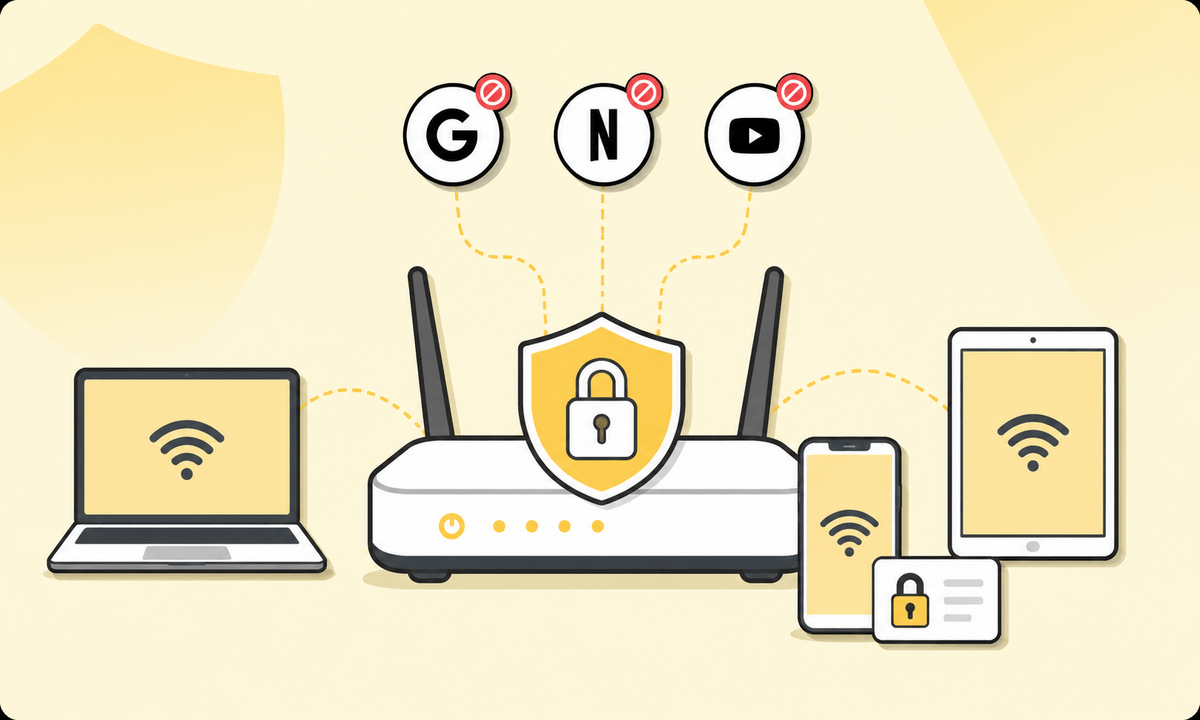
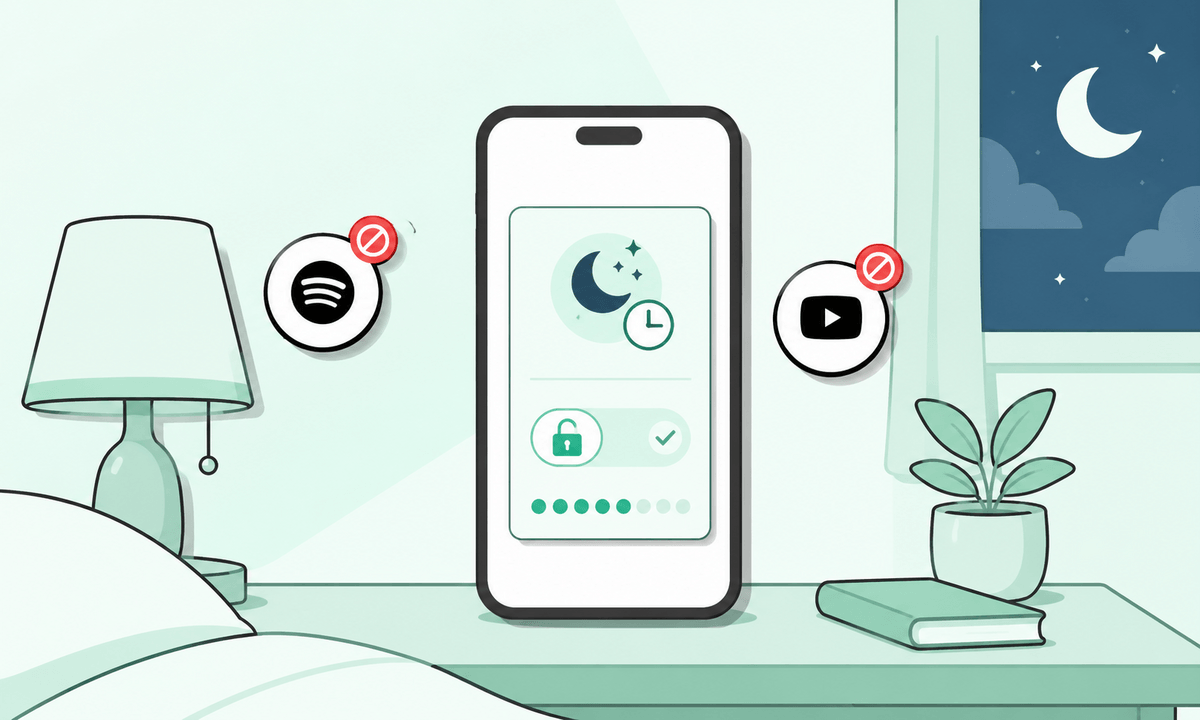
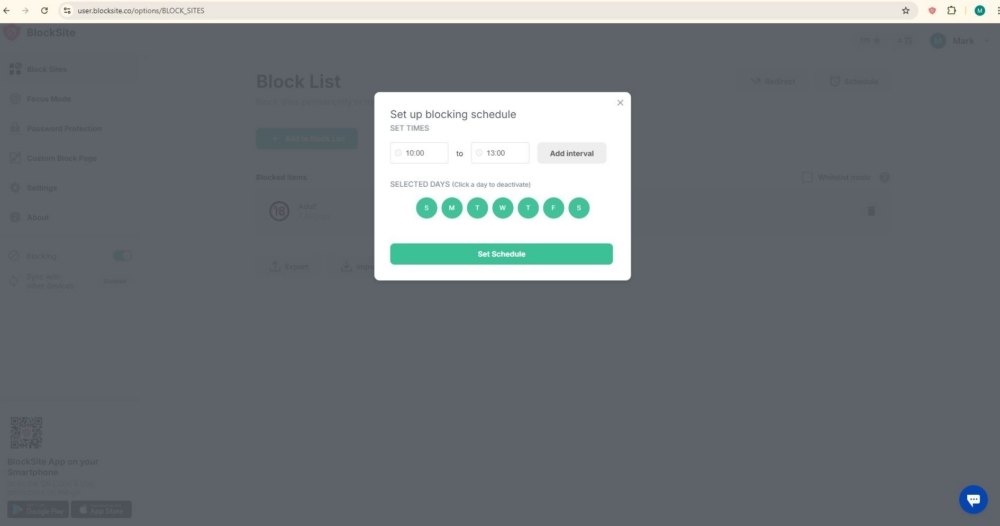
That is where BlockSite becomes useful. BlockSite lets you create an automated digital curfew: a recurring block window that starts before bedtime and removes access to the apps and sites most likely to keep you awake. The Schedule Mode lets you choose the days and times when specific websites and apps should be blocked.
On Chrome or desktop
Use this setup when your late-night scrolling happens on a laptop, desktop, or Chrome browser.
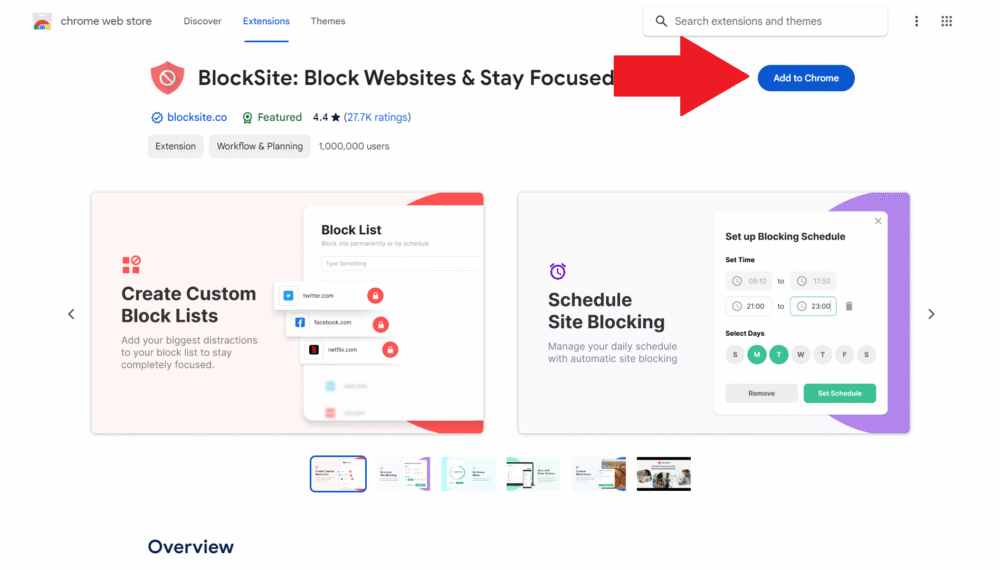
- Install BlockSite from Chrome.
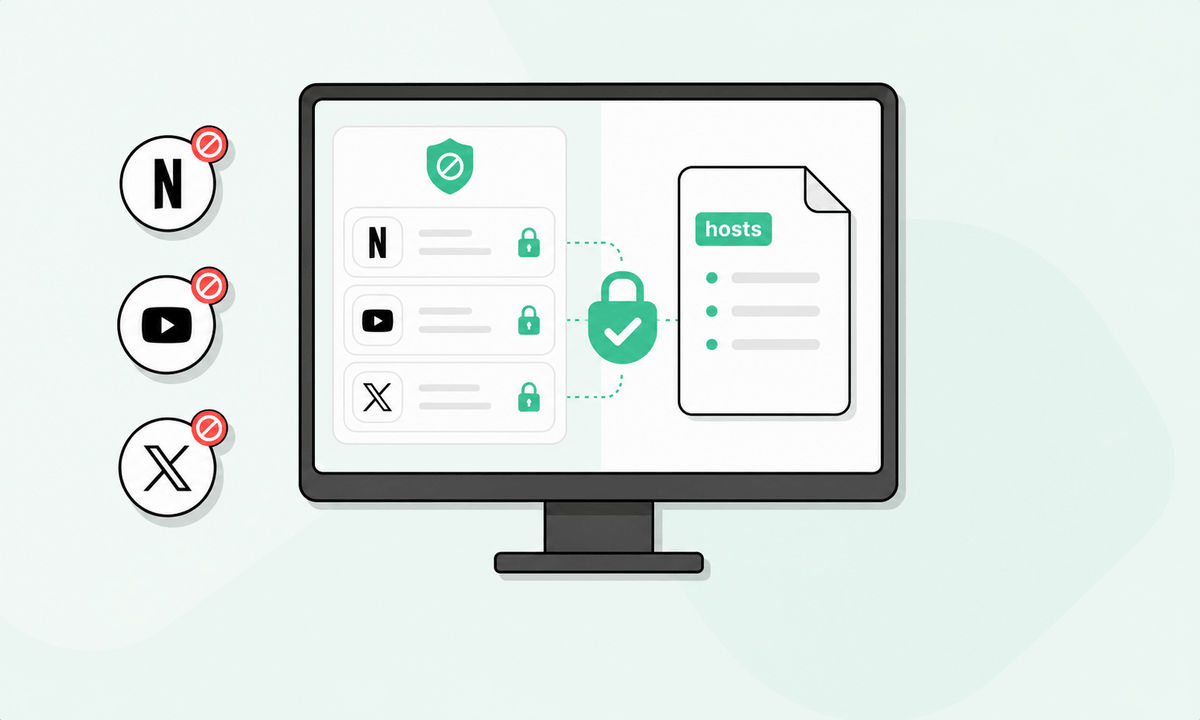
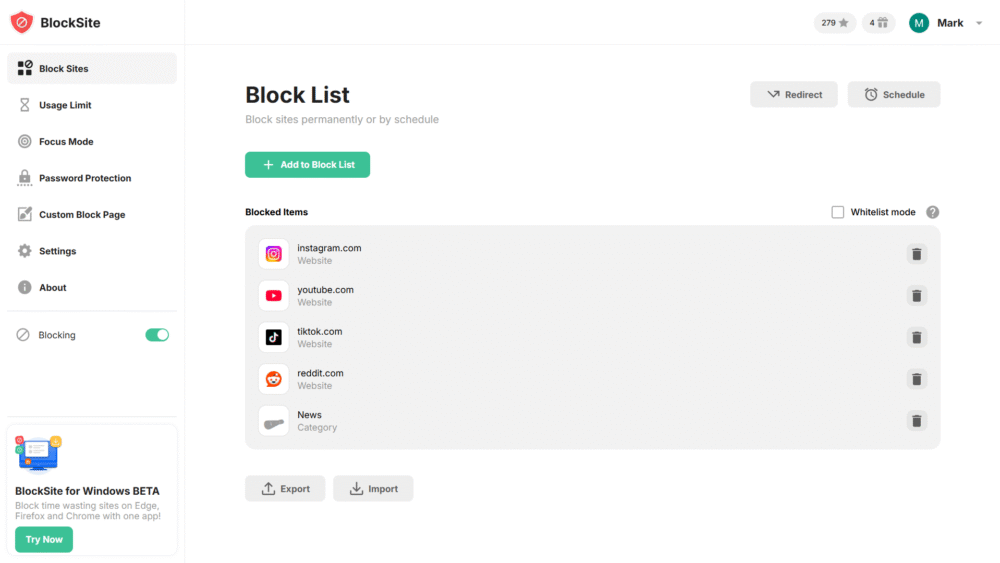
- Go to Block List and add tempting apps and sites you would normally browsh in the evening, such as Instagram, TikTok, YouTube, news sites, and Reddit.
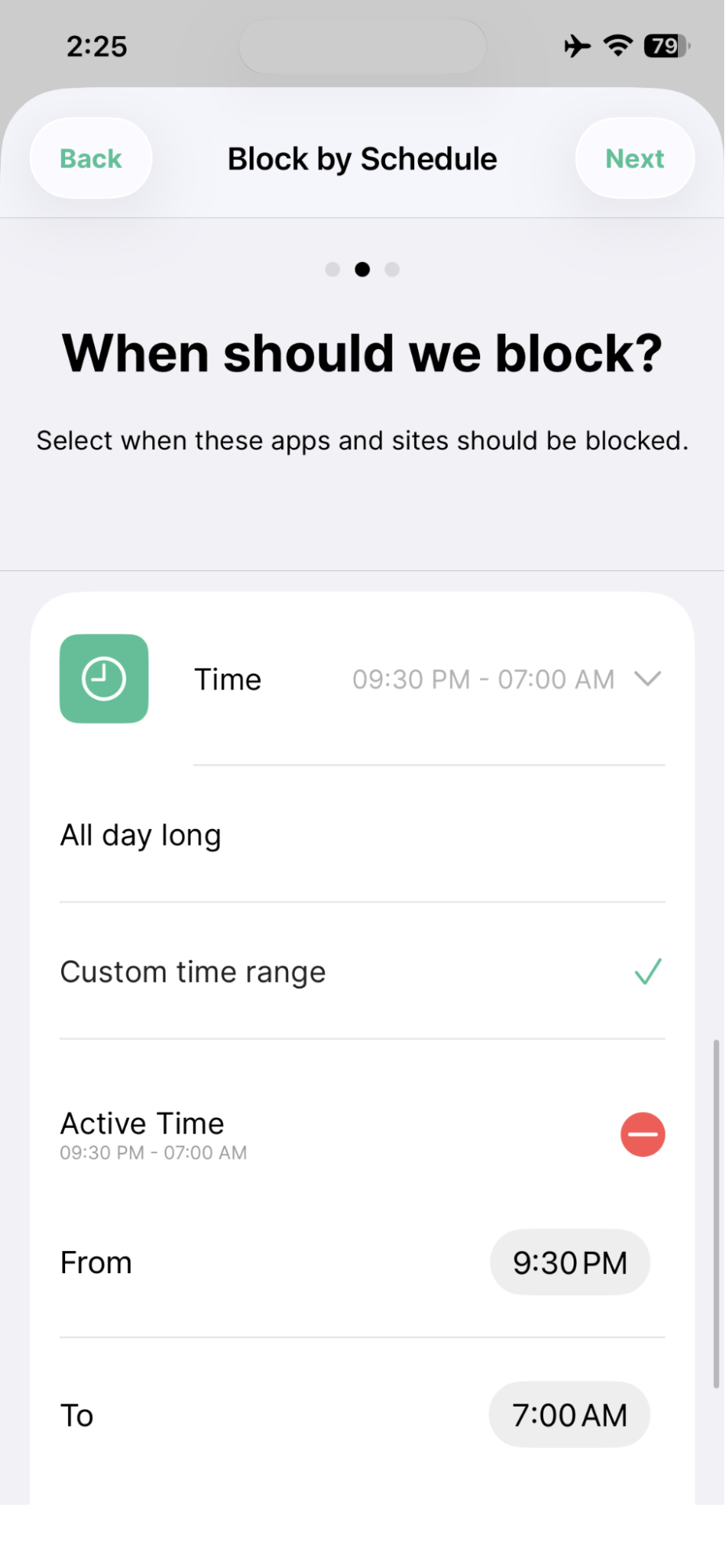
- Go to Schedule Mode and set a block window that starts 60 to 90 minutes before your target bedtime, such as 9:30 pm to 7:00 am.
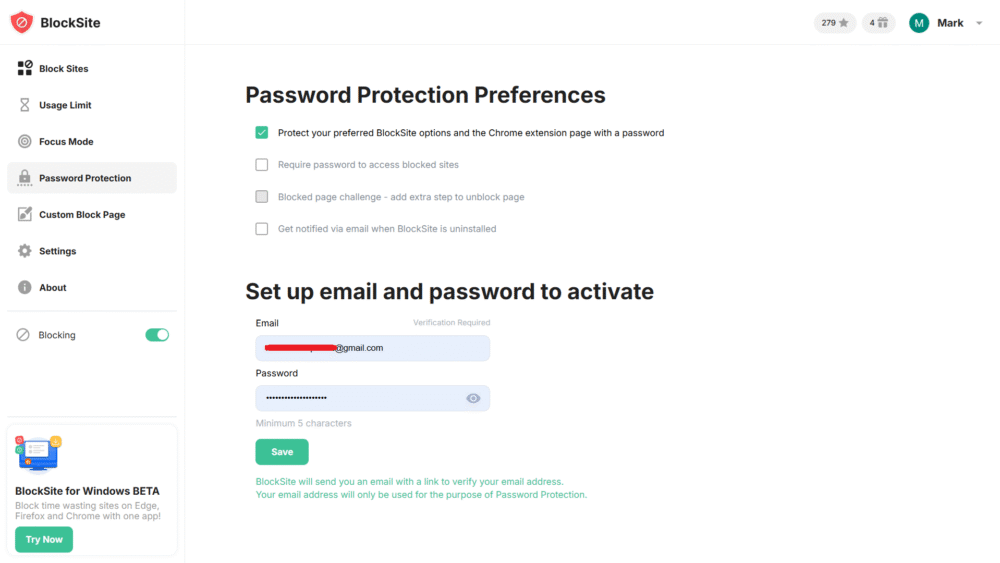
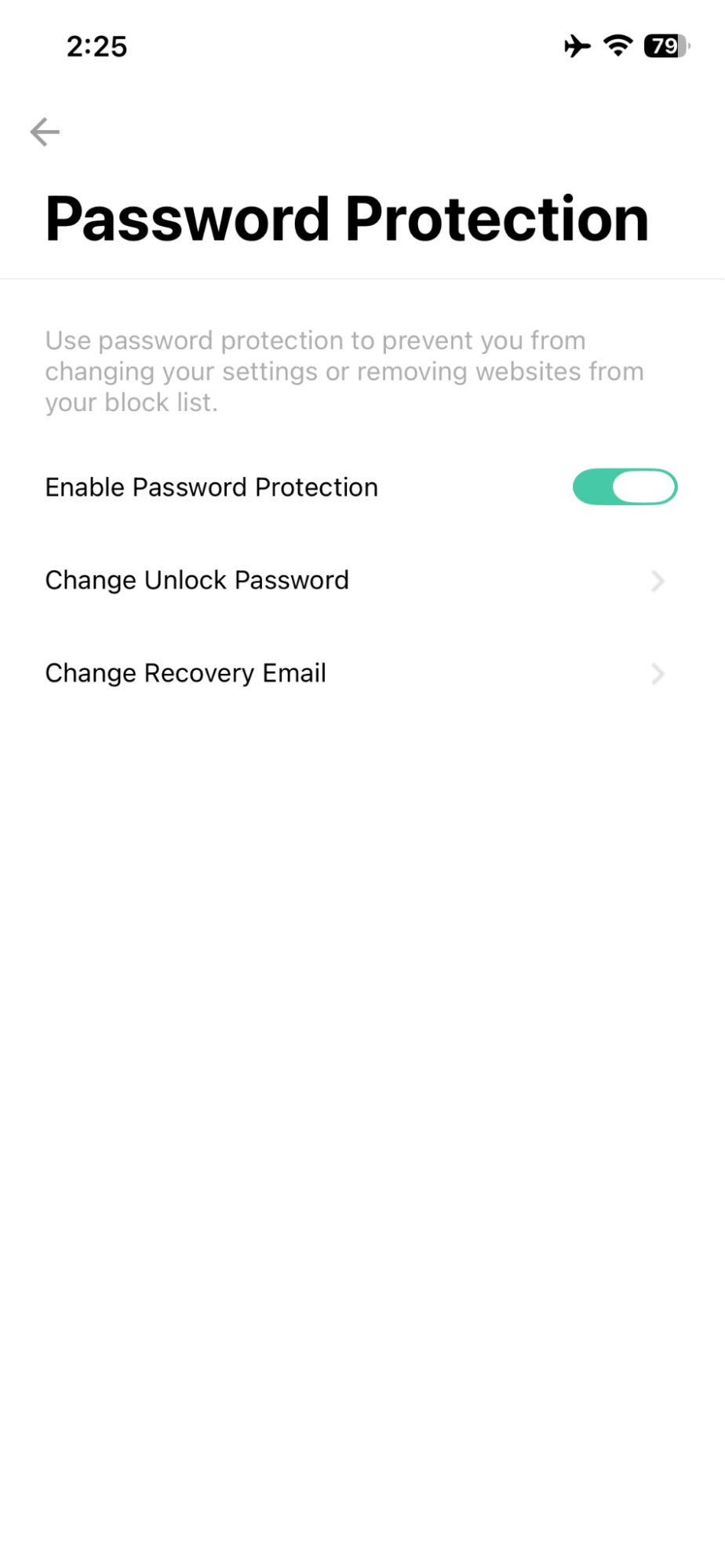
- Enable Password Protection so you cannot override the block on impulse.
This turns your bedtime rule into an environment. Instead of asking, “Do I feel disciplined tonight?” the better question becomes, “Did I set the rule once?”
On iPhone or Android
Use this setup when your phone is the main problem.
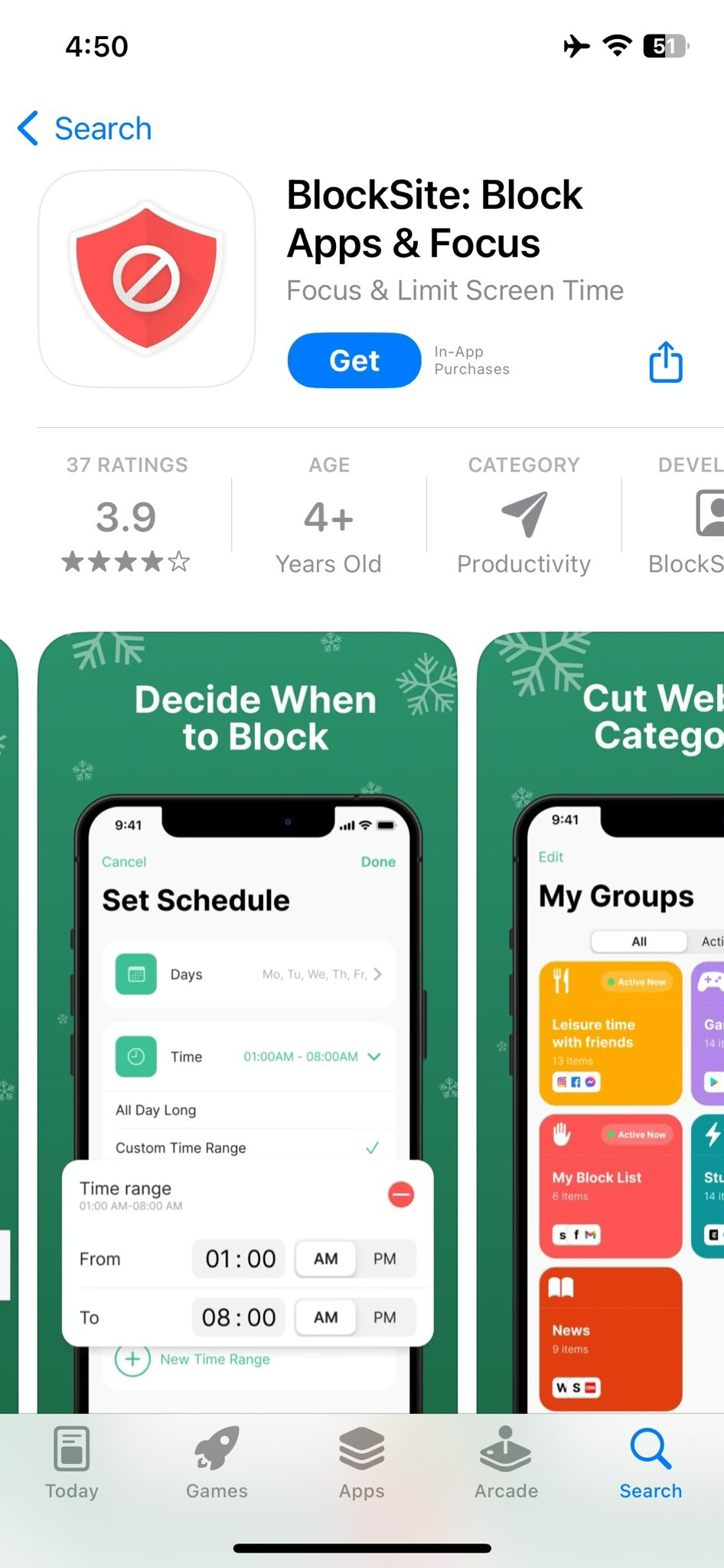
- Download the BlockSite app blocker on iOS or block apps on Android (from Google Play).
- Add distracting apps and sites to Block List.
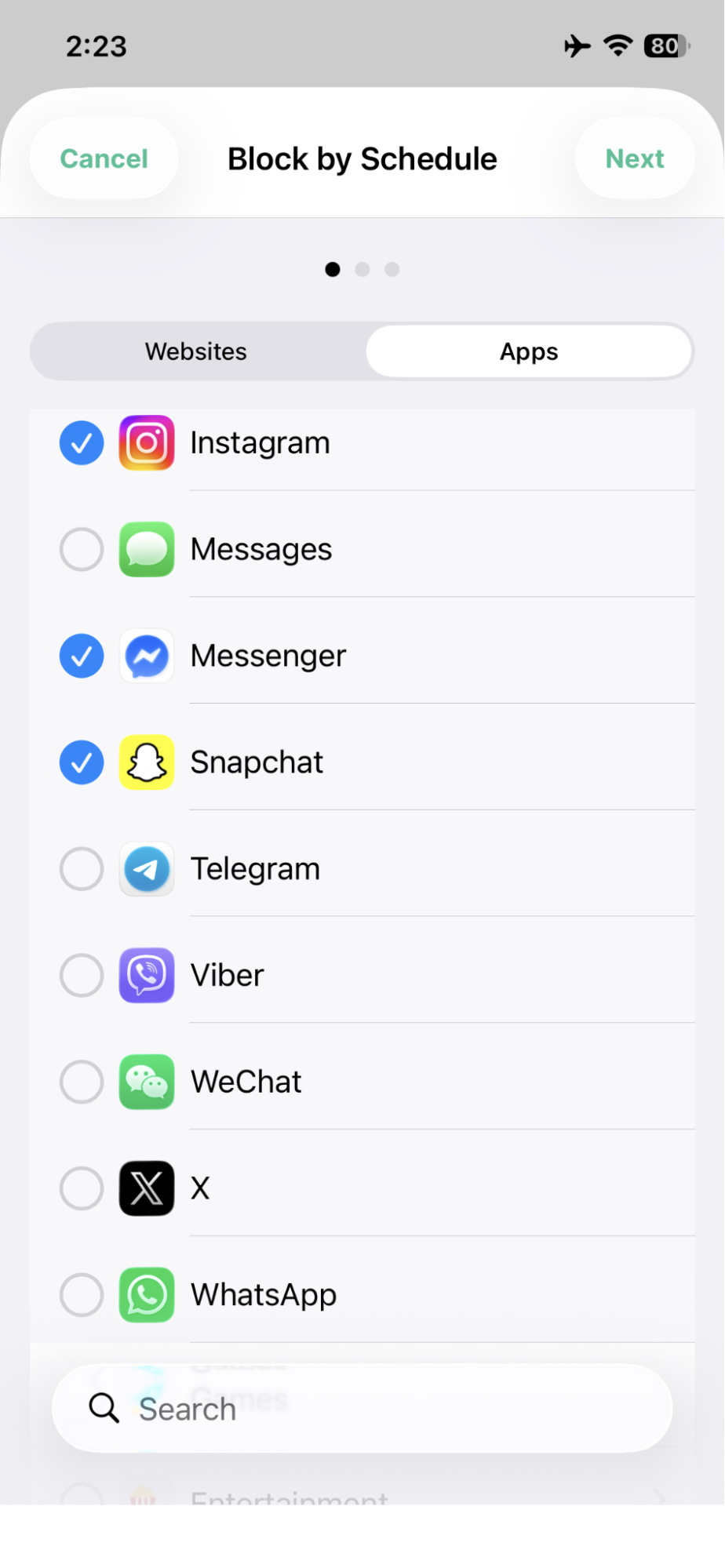
- Set a Schedule for your digital curfew window.
- Enable Password Protection and Uninstall Prevention.
Why this works better than manual willpower
A digital curfew works because the decision happens before the moment when you are most likely to override your own rule. Earlier in the evening, you can choose calmly. Later at night, when you are tired and overstimulated, it is much easier to tell yourself, “just five more minutes.”
BlockSite’s Schedule Mode removes that nightly decision. Once your block window is set, the apps and sites you chose are blocked automatically at the same time every evening. Password Protection adds a deliberate pause, so you cannot instantly bypass the rule on impulse. You still have full access during the day, but your wind-down window stays protected when sleep should come first.
A practical curfew framework
Start by blocking social media, news, short-form video, streaming rabbit holes, shopping sites, and any app you repeatedly open in bed. Set the block to begin 90 minutes before bedtime if sleep is a major struggle, or 60 minutes before bedtime if you want a lighter start.
Leave lower-stimulation tools available if they genuinely help you sleep. That might include music, white noise, an e-reader, meditation audio, or breathing exercises. The aim is not “no technology ever.” The aim is less stimulation when your brain should be powering down.
Category Blocking (a premium feature) can also help if your problem is not one site but a whole content type. Instead of adding every distracting site manually, you can block categories such as social media, shopping, news, sports, gambling, or adult content in one action, depending on your device and plan.
If bedtime scrolling feels compulsive rather than occasional, read this guide on how to stop phone addiction and treat the curfew as one part of a broader digital habit reset.
4 supporting habits that amplify the results
BlockSite handles the automated blocking, but these habits make the sleep improvement more noticeable because they reduce triggers around the curfew:
Keep devices out of the bedroom entirely
Even when the screen is off, having your phone within reach can keep the brain mildly alert because it is waiting for notifications, messages, or something to check. Put the phone in another room or use a clock radio if limiting bedtime phone use is difficult. Charge your device outside the bedroom and use a basic alarm clock instead.
Enable Do Not Disturb and Night Mode as a secondary layer
Do Not Disturb and Night Mode are useful backup layers, not replacements for blocking. They reduce notification noise and some light exposure during your curfew window if the device must stay nearby. Use them together with scheduled blocking so the phone is both quieter and less tempting.
Replace the scroll with a low-stimulation alternative
Scrolling is partly a stimulation habit, but it is also a “what do I do now?” habit. Replace it with something that gives your hands and attention a softer landing, such as a physical book, light stretching, journaling, white noise, or guided breathing. The replacement helps because removing the phone without filling the gap can make the habit feel like deprivation.
Maintain a consistent sleep schedule
Irregular bedtimes weaken the effect of every other sleep intervention. Going to bed and waking up at roughly the same time, including weekends when possible, helps reinforce the circadian rhythm that evening screens disrupt. A digital curfew works best when it protects a bedtime your body can learn to expect.
Make better sleep the default
Digital wellbeing tools can help improve sleep quality when they are set up as structure, not as another promise to “try harder tonight.” BlockSite automates the single most useful change for many people: removing access to stimulating content during the hour or two before bed.
That is genuinely the fix most people are looking for. One setup, every night, on autopilot. You still decide the rule, but you no longer have to fight the same battle from bed.
FAQ
Does Night Mode (blue light filter) help with sleep?
Night Mode can reduce blue light exposure and make screens easier on the eyes at night. However, it doesn’t eliminate the stimulating effects of scrolling, messaging, gaming, or watching engaging content. Reducing screen use before bed is generally more effective.
What is a digital curfew?
A digital curfew is a scheduled period before bedtime when distracting apps and websites are unavailable. It helps create a consistent wind-down routine and reduces the temptation to keep scrolling late at night.
How can I create a digital curfew?
Choose a time—typically 60–90 minutes before bed—and block access to apps or websites that tend to keep you awake, such as social media, news, video platforms, or shopping sites. Automating the restriction makes it easier to stick to the habit.
Can digital wellbeing tools help me sleep better?
Digital wellbeing tools can support healthier bedtime habits by limiting access to distracting content during the evening. They work best when combined with a regular sleep schedule and a relaxing bedtime routine.
What should I do instead of scrolling before bed?
Consider lower-stimulation activities such as reading a physical book, listening to calming audio, light stretching, journaling, meditation, or breathing exercises.
Should I keep my phone in the bedroom?
If possible, keep your phone out of reach or charge it in another room. This reduces the temptation to check notifications or browse when you’re trying to fall asleep.
How long before bed should I stop using social media?
Many people find that stopping social media use 60–90 minutes before bedtime helps them relax and transition more easily into sleep.
Which apps should I block during a digital curfew?
Focus on apps and websites that you repeatedly use late at night, such as social media, short-form video platforms, news sites, streaming services, or online shopping apps.