

Phones and laptops help us work, connect, and relax. They also create a steady stream of prompts that keep the brain on alert. Many people describe this as “digital stress”: feeling behind on messages, pulled into constant checking, and mentally tired long before the day ends.
When people ask. how effective are digital wellbeing tools in reducing stress, they are usually asking a simple thing: can a tool reduce the triggers that keep stress switched on. Research on digital interventions points to two helpful angles. One angle is therapeutic apps (like app-based mindfulness), where the efficacy of mental health app to reduce stress has been tested in randomized trials and reviews. The other angle is behavioral tools that limit interruptions and compulsive checking, where the efficacy of mental health tool to reduce stress depends on consistency and how well the tool fits daily routines.
What actually causes digital stress?
Digital stress rarely comes from a single app. It usually comes from patterns that repeat all day.
Stress builds when your attention gets interrupted, your brain keeps “holding” unfinished items, and downtime gets filled with more inputs. The causes below often stack on top of each other.
Constant notifications
Notifications create a sense of urgency, even when nothing is urgent. Each ping is a cue to check, decide, and respond. That repeated alert state can raise tension and make it harder to settle into calm.
Multitasking and context switching
Switching between tasks looks efficient, but it carries “switching costs.” Your brain spends extra effort re-orienting each time you jump between a doc, chat, inbox, and another tab. Over a day, this can feel like mental noise and time pressure, which feeds stress.
Information overload
Information overload happens when incoming content exceeds what you can process well. The result is decision fatigue, reduced focus, and a sense of being overwhelmed. It is a widespread issue in modern digital life and work, with documented links to well-being and functioning.
Lack of boundaries between work and personal time
Digital work tools make it easy for work to leak into evenings and weekends. When emails and messages arrive outside work hours, people often feel pressure to monitor and respond. A time management tool can help by setting clear “off” windows, so personal time stays protected. This boundary issue is important because recovery time is where stress comes down. When recovery is interrupted, stress can stay high.
Screen fatigue
Long stretches of screen time can produce eye strain, headaches, and sleep disruption. Physical discomfort can amplify irritability and stress, especially when it reduces rest. Medical sources describe digital eye strain (computer vision syndrome) as common with extended device use, with symptoms like irritated eyes, blurred vision, and headaches.
How effective are digital wellbeing tools in reducing stress?
If your stress is tied to constant checking, surprise interruptions, or late-night scrolling that ruins rest, BlockSite can be a helpful tool to calm those patterns. It works by limiting access to sites and blocking apps that trigger repeat distractions, setting clear time rules around when those distractions are allowed, and showing you usage trends so you can adjust over time.
Block lists that remove repeat triggers
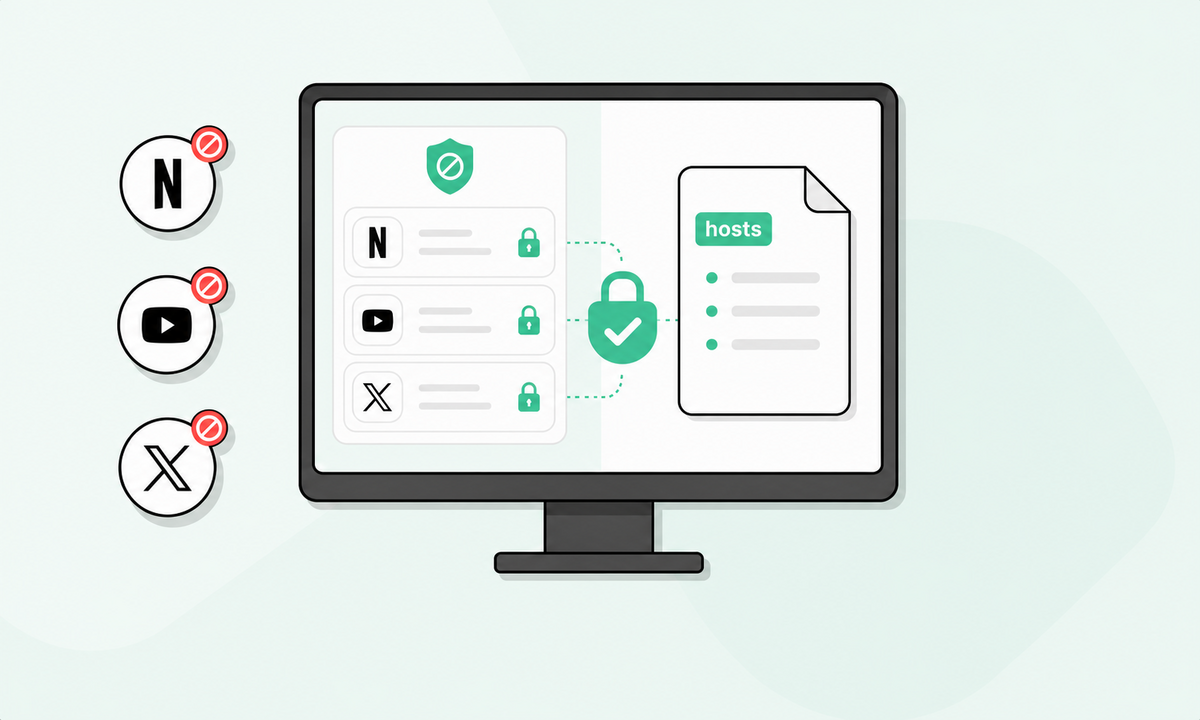
When the same sites or apps keep pulling you into checking loops, blocking them reduces exposure to the trigger. A block list helps because it turns a constant decision (“should I check?”) into a default (“not right now”). That matters for stress, because repeated decisions and self-control battles add mental load.
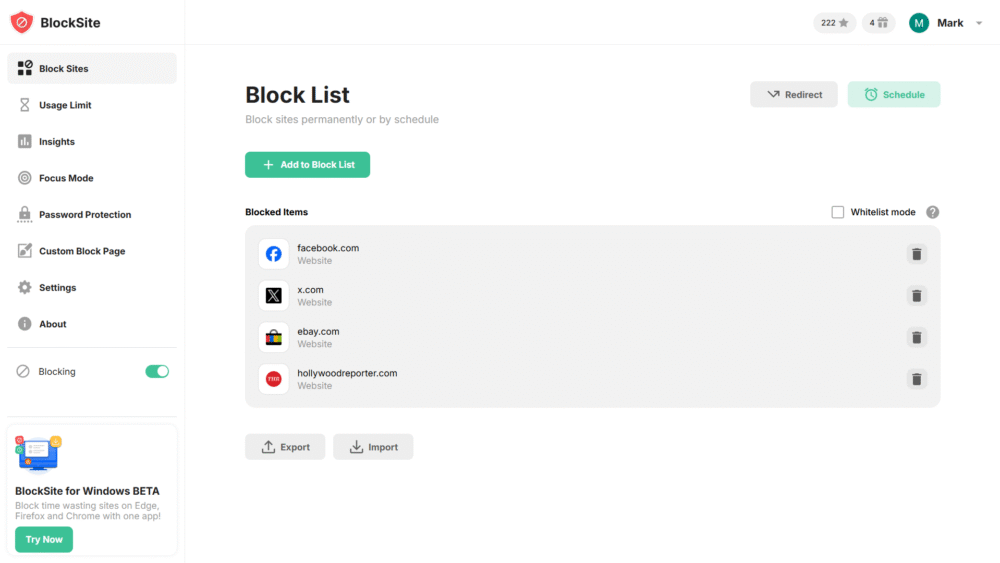
The block list functionality is one of its primary features, with no limit to the sites you can block. On mobile, it is also positioned around blocking time-wasting apps and building healthier routines.
Focus sessions that protect attention during high-stress parts of the day
Stress often rises when you are behind and interruptions keep landing. A focus session feature helps by creating a protected time window, so your brain can finish what it started. This reduces the “unfinished task” feeling that many people associate with anxiety during busy days.
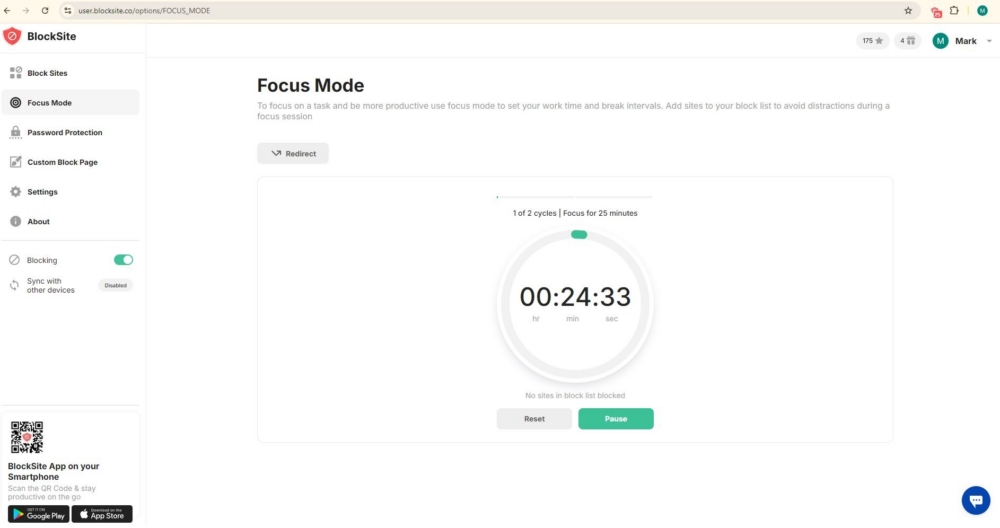
You can use the Focus Mode feature to prevent distractions for a set amount of time. Even a short protected window can lower perceived time pressure, which is a common stress amplifier.
Schedules that create predictable off-limits hours
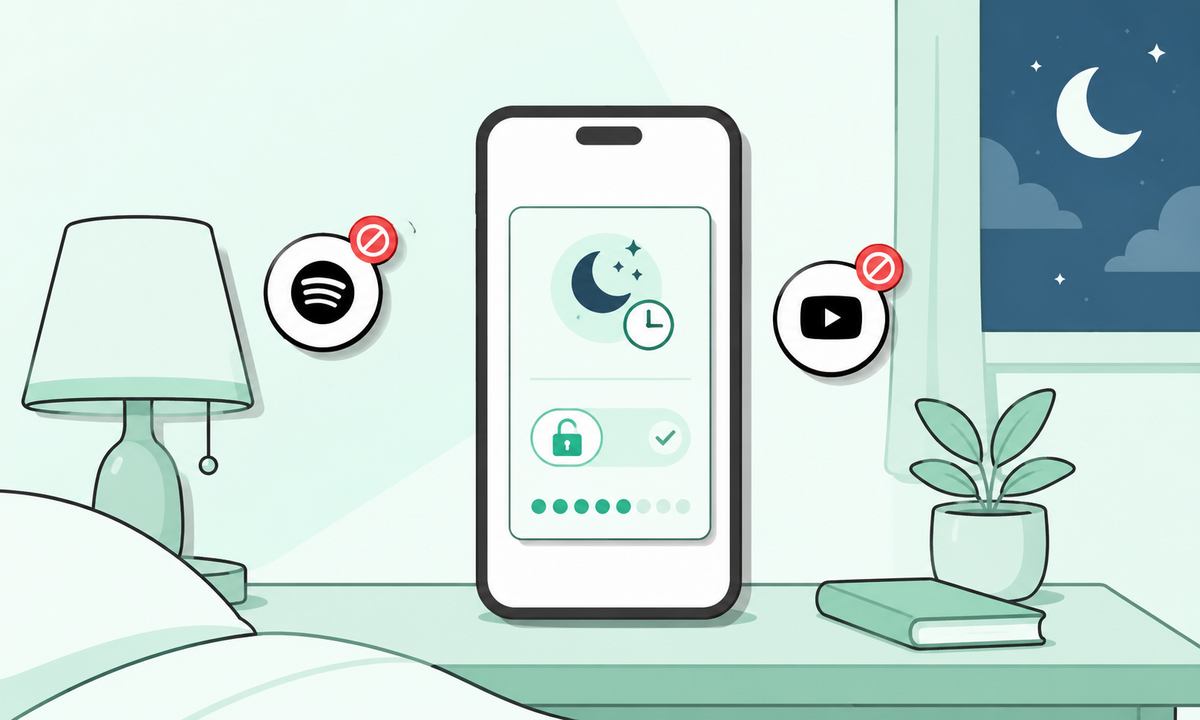
Boundaries are easier when they are scheduled. Scheduling blocks during work hours can reduce notification-driven checking and tab hopping. Scheduling blocks after work can protect recovery time, especially for people who drift back into work email or endless scrolling at night.
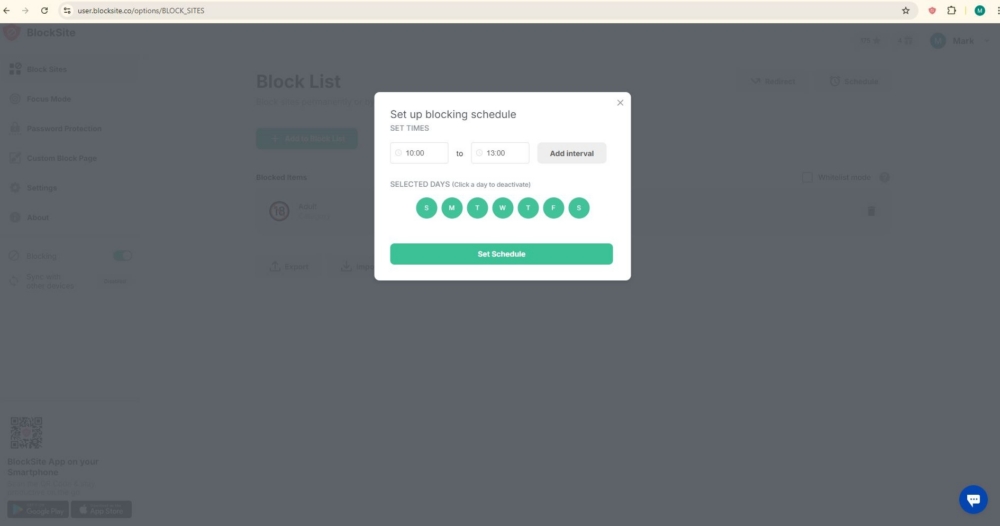
This is a feature that blocks distractions during the hours you choose. This maps well to boundary pressure, where after-hours messaging is tied to emotional exhaustion.
Category blocking that removes entire clusters of stress inputs
Stress triggers often come in bundles: social feeds, news, shopping, short videos, and forums. Category blocking helps when you do not want to chase every individual URL or app.
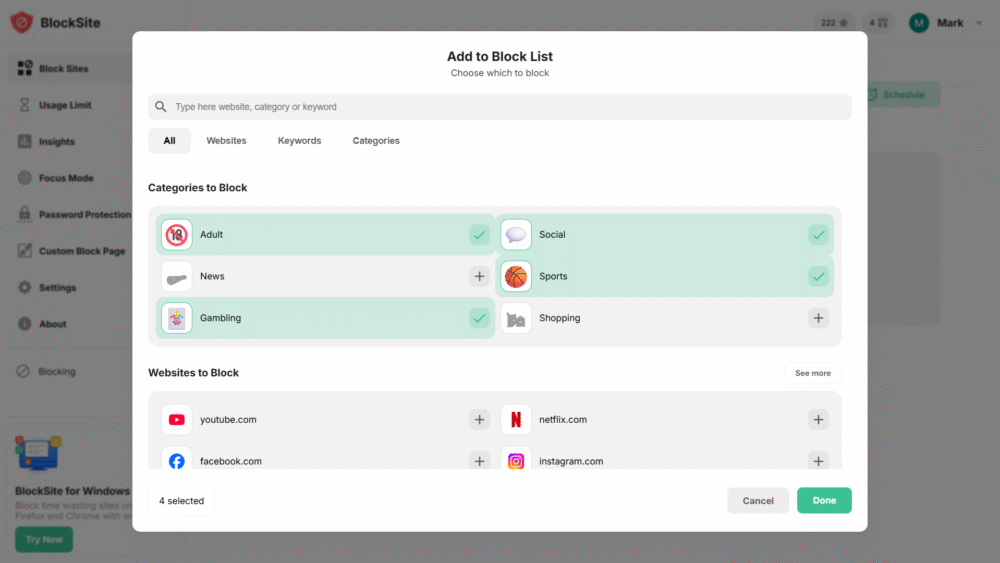
Blocking by category lets you block a whole category in one click. It is also useful for “quiet hours,” where you want fewer emotional spikes from headlines and endless feeds.
Keyword blocking that cuts off rabbit holes before they start
Some stress comes from spirals: one search turns into ten tabs. Keyword blocking can stop that loop earlier by blocking content related to certain themes that you know lead to doomscrolling or compulsive research.
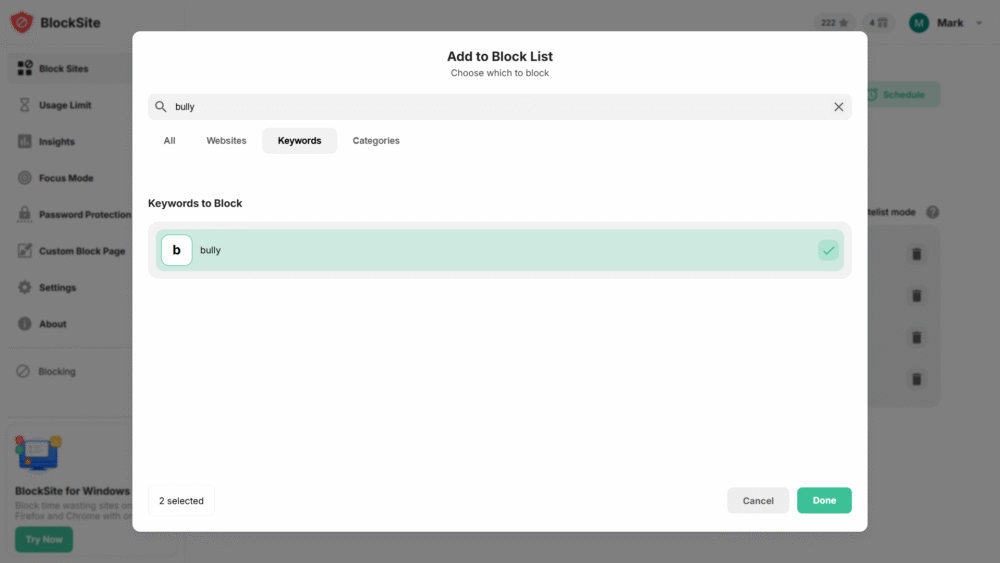
Block by keyword is described as a way to block multiple sites and apps with a keyword. When used properly, this can reduce information overload, which is widely discussed as a driver of stress and reduced well-being.
Redirecting blocked attempts into a healthier next step
Stress reduction improves when the tool helps you recover quickly. Redirects can send you to a neutral page, a to-do list, a breathing timer, or a short break activity. The point is to replace the blocked impulse with a simple alternative, so you do not bounce back into searching for another distraction.
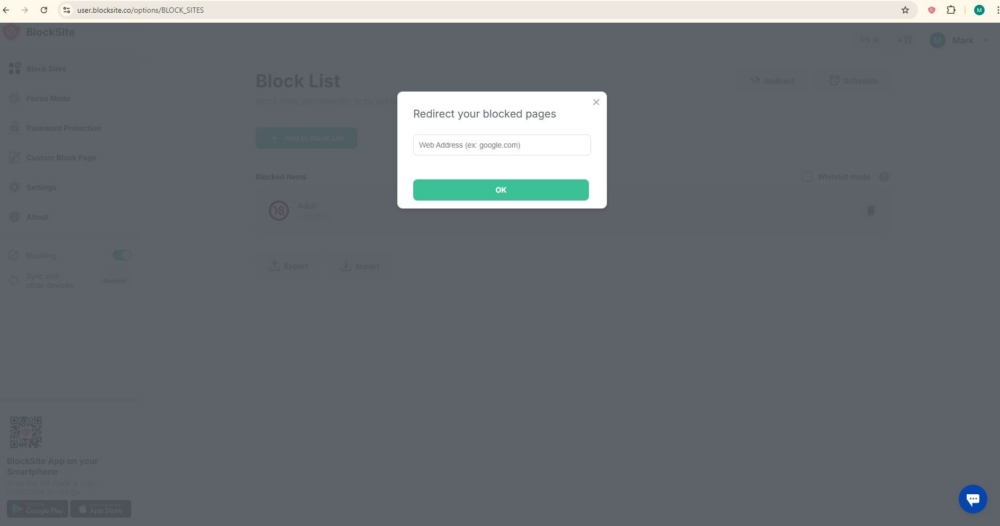
With this feature, you can do customizable blocking and browsing environment controls, which includes what happens when a blocked site is opened.
Password protection that prevents “override in a weak moment”
When you are tired or stressed, it is easier to disable limits. Password protection adds a speed bump, which helps you stick to the plan you made earlier in a calmer state.
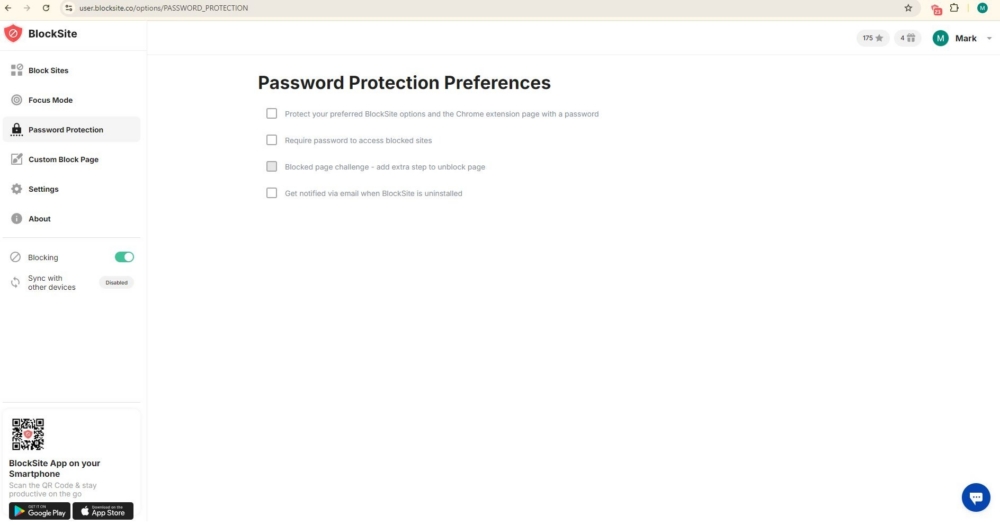
It also cuts down on back-and-forth decision loops, so you are not negotiating with yourself every few minutes. Over time, that consistency can make your boundaries feel more stable.
Insights that show patterns, not just guilt
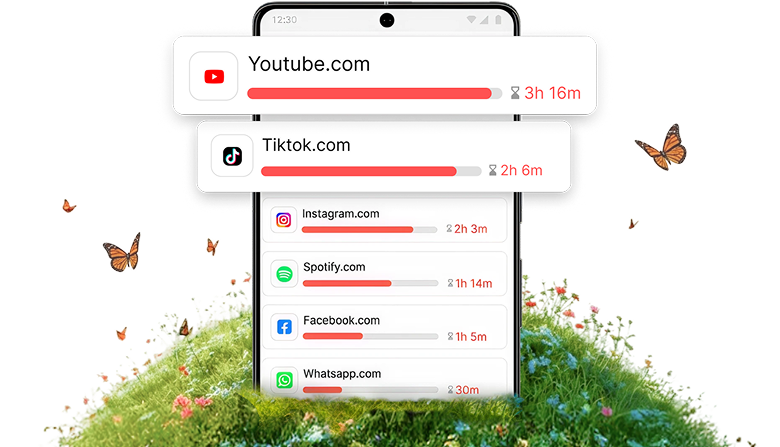
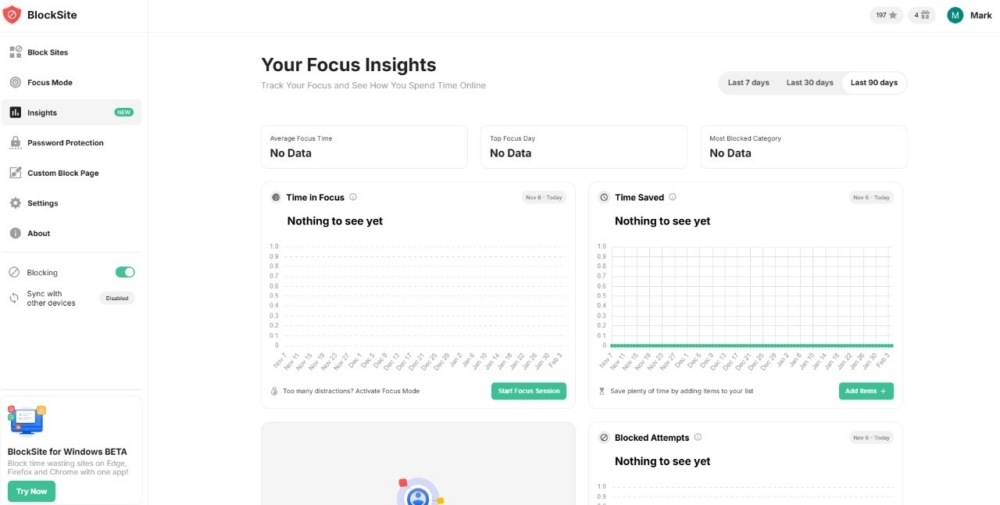
Many people try to reduce screen stress without clear feedback. Insights help by showing trends over time, so you can spot when stress triggers happen most and adjust your schedule or limits around those windows.
Sync across devices to prevent “leakage”
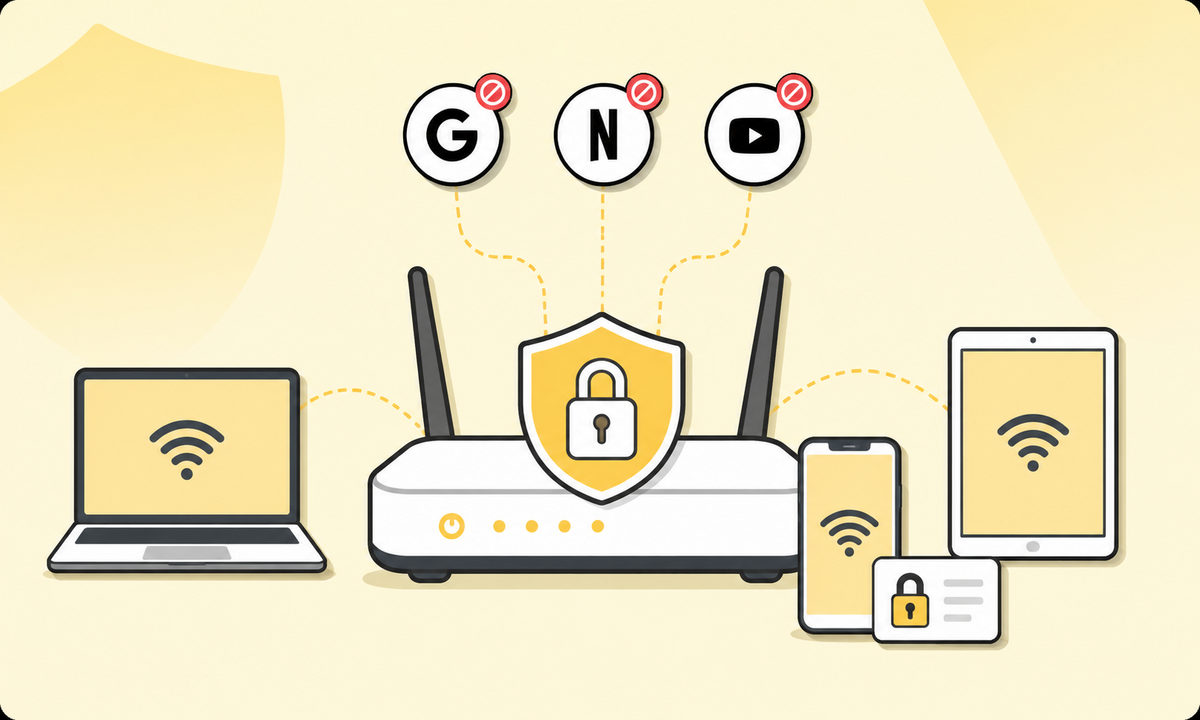
If limits exist on one device but not another, stress triggers move around. Sync helps keep the same boundaries across devices, which makes the rules feel consistent and easier to follow.
When stress starts with screens, boundaries can bring it down
Stress that shows up in your day often has a digital origin. Not the dramatic, but the the quiet, grinding kind. A steady stream of alerts, constant context switching, too much information coming in, and no clear line between work time and personal time. Add tired eyes and an always-on phone, and the pattern is familiar.
A good way to think about the efficacy of digital wellbeing tools in reducing stress is this: they work best when they remove predictable stress triggers and replace them with calmer defaults, especially around attention, boundaries, and recovery time.
BlockSite works best when it targets those patterns directly. The moments, apps, and habits that reliably trigger overload. If your stress peaks around specific platforms, certain times of day, or endless scrolling loops, its features like app blocks, schedules, usage limits, and focus sessions can noticeably change how your day unfolds.
FAQ
What is the most effective technique to reduce stress?
The most effective technique depends on what drives your stress. For many people, the best starting point is reducing avoidable triggers, then adding a short daily habit that downshifts your nervous system (breathing, walking, journaling, or a short meditation). If digital inputs are a trigger, boundary-setting often helps fast.
Are digital wellbeing apps worth using?
They can be worth using when your stress is tied to compulsive checking, interruptions, or screen habits that spill into rest time. BlockSite is useful here because it lets you block repeat triggers, set schedules, add Focus Mode, and use time limits plus Insights to fine-tune what is working.
Do digital wellbeing tools actually help reduce stress?
They can, especially when they reduce the number of interruptions and protect recovery time. The biggest change many people notice is fewer “check now” urges during the day, plus calmer evenings when scrolling no longer stretches into bedtime. Pairing those boundaries with short digital mindfulness moments, like a one-minute pause before reopening a distracting app, can make the shift feel more natural. Over a week or two, that often means better focus, fewer unfinished tasks piling up, and less mental clutter.
What features should I look for in a digital wellbeing tool?
Look for features that match your stress triggers: scheduled blocking for boundary issues, focus sessions for interruption-heavy days, usage limits for compulsive checking, and trend insights so you can adjust over time. If you use multiple devices, cross-device syncing can also matter.
Can limiting notifications really improve mental wellbeing?
Yes, when notifications keep you in a constant alert state. Cutting notification-driven checking reduces distractions and context switching, so your brain gets longer, quieter stretches to finish what it started. It also makes breaks feel like breaks, which helps your mood reset instead of staying on edge.
How do I know if a digital wellbeing tool is right for my lifestyle?
A good test is a one-week trial with a small setup. Choose one or two stress triggers (for example, social media during work hours or late-night scrolling). Add a schedule or limit, then review your trend data and how you feel at the end of the week. If you feel calmer and your rules feel sustainable, it is a good fit.