






Modern browsing does not happen in one place anymore. You might open Chrome for work tasks, switch to Safari at home, use Firefox for privacy, then hop on a mobile browser without thinking twice. That habit creates a problem.
Most website blockers only work inside a single browser. Install it somewhere else, start again. Miss one setup, and the block disappears. That frustration is what drives a common question: is there a website blocker that works across all browsers?
This is not about adding more restrictions. It is about keeping the same rules everywhere. A blocker that stays with you across browsers and devices saves time, removes loopholes, and keeps limits steady no matter how you browse.
What it means for a website blocker to work across all browsers
A website blocker that works across all browsers keeps the rules consistent, no matter where you browse.
Open Chrome, switch to Firefox, jump over to Edge. The same sites stay blocked. The same limits apply.
This setup does not rely on a single site blocker extension that only works in one place. Instead, your settings are tied to an account or shared system that follows you across browsers and devices. That matters because most people use more than one browser, often without realizing it.
True cross-browser support also extends to mobile, where operating system limits can create easy workarounds. The result is simpler setup, fewer gaps, and a more reliable way to manage your online habits.
How to evaluate a website blocker for multi browser use
If you switch between browsers or devices during the day, judging a website blocker on a single setup is not enough. A tool might work perfectly on one browser and quietly fail everywhere else. The goal here is actual coverage. You want to know where a blocker applies limits, where it falls short, and how much effort it demands from you over time.
Here are recommended ways to check a website blocker for multi browser environments, especially if you rely on more than one browser or device:
Browser compatibility
Start with the basics and check which browsers are supported. Strong options usually cover Chrome, Firefox, Edge, Safari, and Opera. This sounds obvious, but many tools promote multi browser support while quietly skipping one or two platforms. Safari and Opera are the most common gaps.
Those gaps matter. If even one browser slips through, blocked sites can still load, restrictions lose credibility, and habits start to bend around the weakest point. A true multi browser setup leaves no easy workarounds.
Device types and operating systems
Next, look beyond desktop. Real browsing does not stop at a laptop. Phones and tablets absorb hours of daily screen time, sometimes more than desktop machines.
Check whether the blocker supports Windows and macOS on the desktop, plus Android and iOS on mobile. This matters because desktop extensions alone rarely transfer cleanly to phones. Mobile support often requires a dedicated app rather than a browser add-on.
If a blocker ignores mobile devices, you are only solving part of the problem.
Synchronization across browsers and devices
This is where many blockers start to separate from each other. Synchronization means your blocked websites, schedules, and rules follow you everywhere once you sign in.
Without syncing, the experience quickly becomes frustrating. You block a site on Chrome, then notice it still opens on Firefox. You update schedules on your laptop, but your phone ignores them. Over time, rebuilding rules across browsers turns inconsistent and exhausting.
A reliable multi browser tool should treat syncing as a primary feature and not just an extra.
Method of blocking
How a blocker applies restrictions matters just as much as where it runs. Different methods come with different strengths and tradeoffs:
Extension based blocking
Browser extensions are simple to install and easy to manage. The drawback is scope. Extensions only work inside one browser at a time. Even with syncing, coverage stops the moment you open a different browser.
System host file blocking
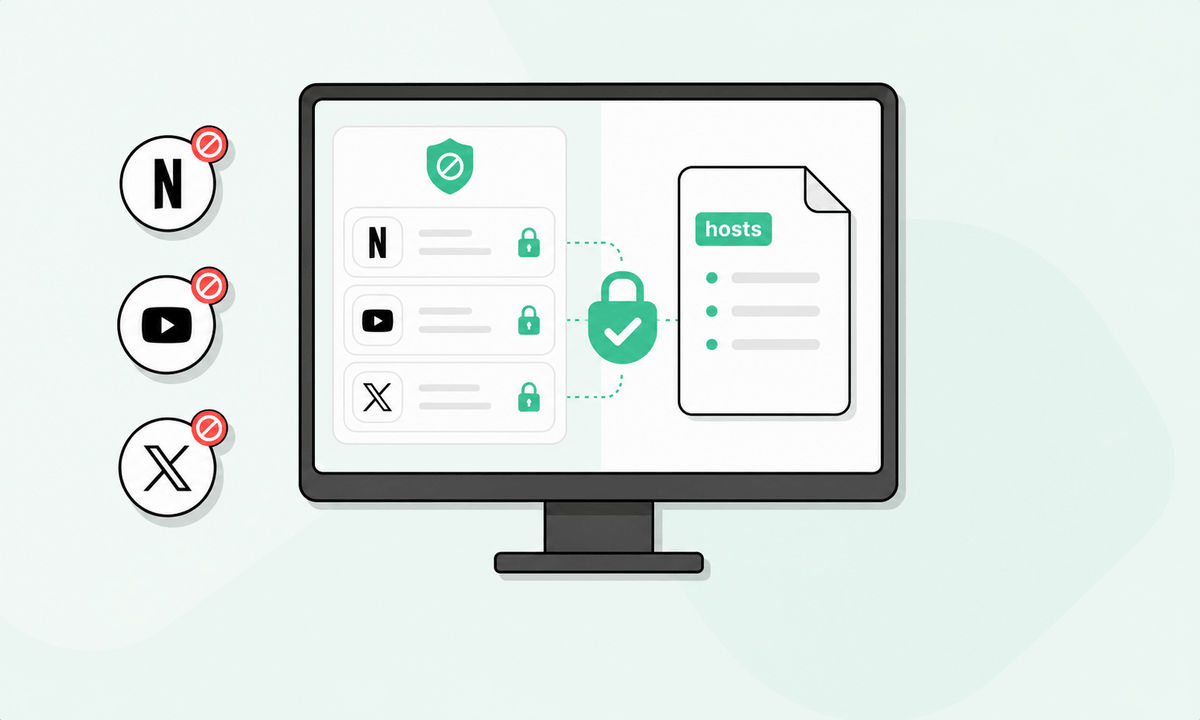
Blocking through the system host file affects all browsers at once. This method is powerful but rigid. It requires manual setup and offers little room for schedules, temporary access, or user profiles.
Operating system services
Some blockers rely on OS level or app-based services instead. These apply rules across browsers, apps, and devices. They usually support syncing, timing controls, and broader coverage, which makes them better suited for genuine multi browser use over the long term.
When evaluating a blocker, the method often tells you more than the feature list.
How BlockSite supports multi browser blocking
Each browser comes with its own settings, its own extensions, and its own blind spots. Website blockers often make this worse by forcing you to start from scratch every time you change environments.
BlockSite was built with that reality in mind.
Instead of treating each browser as a closed system, BlockSite uses an account-based system. Your rules live with you and not inside a single extension. That makes a big difference once you start working across multiple browsers and devices.
On desktop, BlockSite supports Chrome, Firefox, and Edge. Each browser extension connects to the same BlockSite account. Once connected, blocked sites, schedules, and settings stay synced automatically. Move from one browser to another and the rules stay intact. No duplicate setup, no forgotten gaps, and no situations where a blocked site works simply because you opened a different browser.
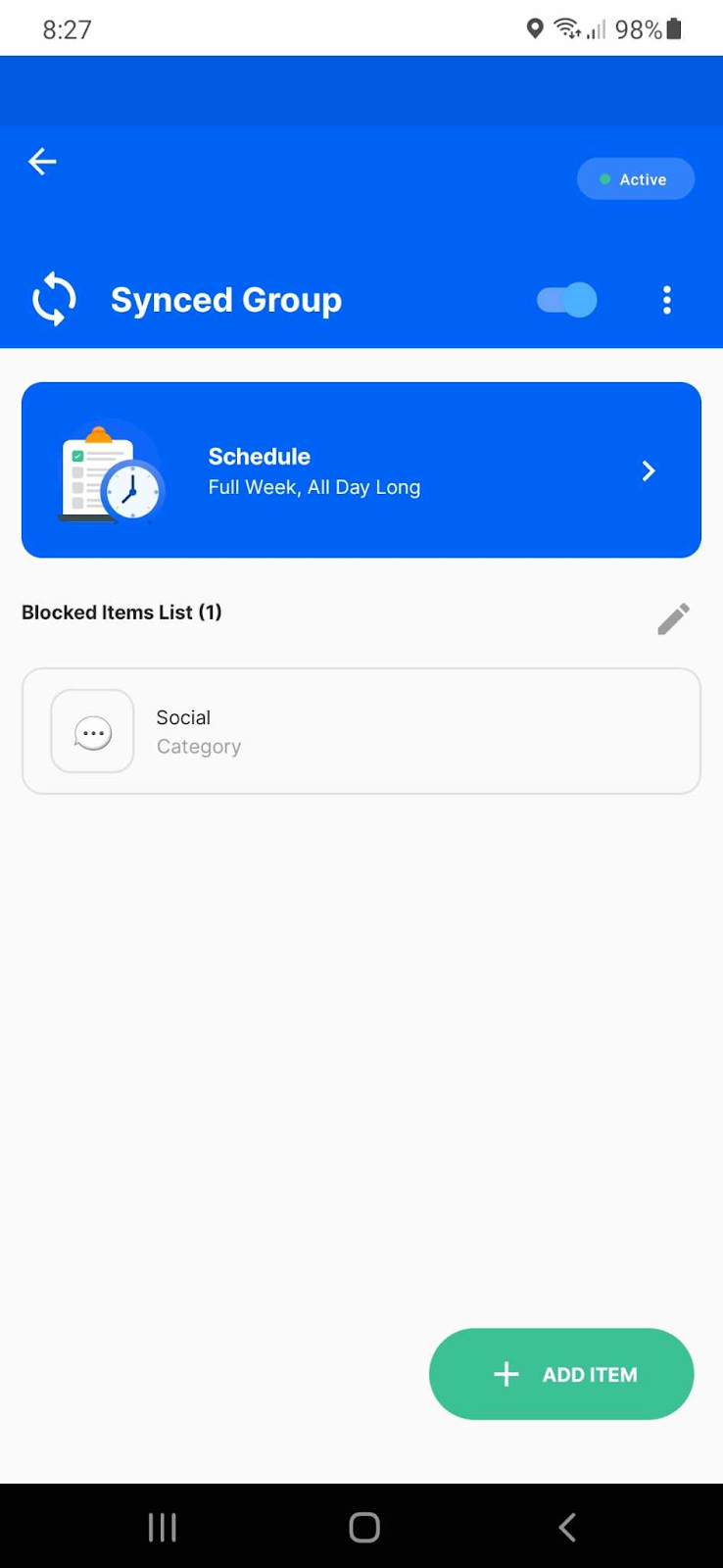
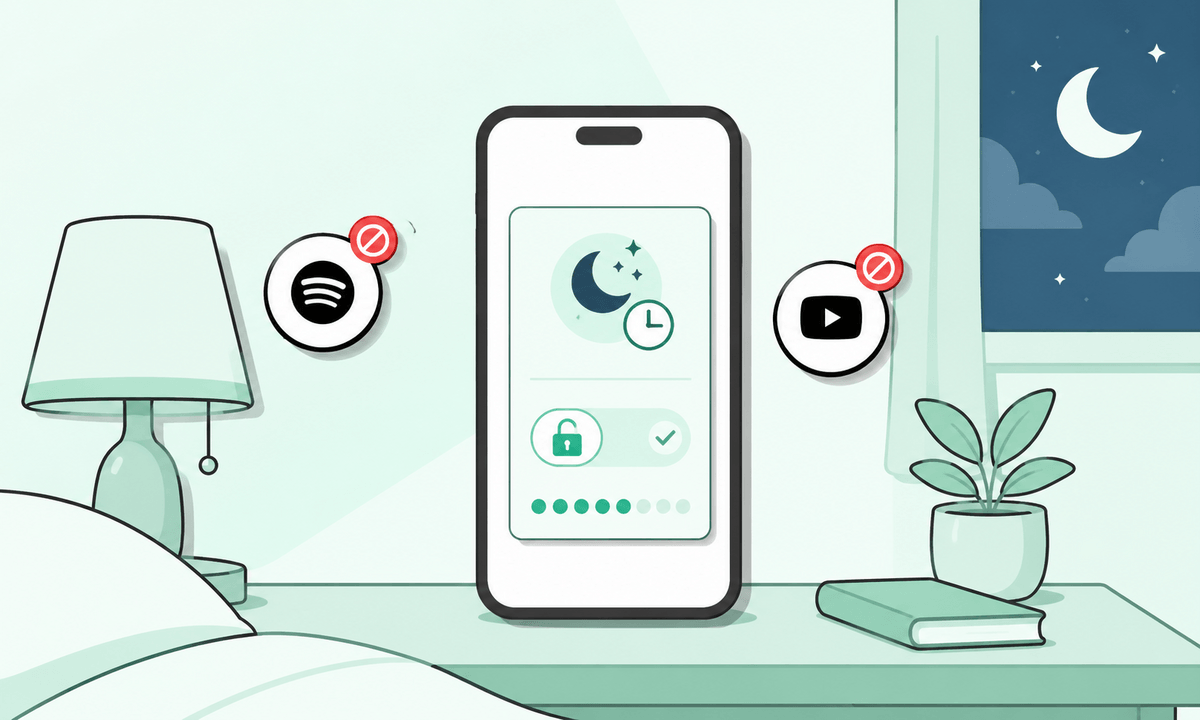
That consistency carries over to mobile as well. BlockSite offers apps for both Android and iOS and it’s designed to mirror the same boundaries you set on desktop. It doesn’t matter if you are switching from a laptop to a phone or picking up a tablet later in the day because the same website restrictions remain in place. This closes one of the most common loopholes in digital self-control: unrestricted access on mobile.
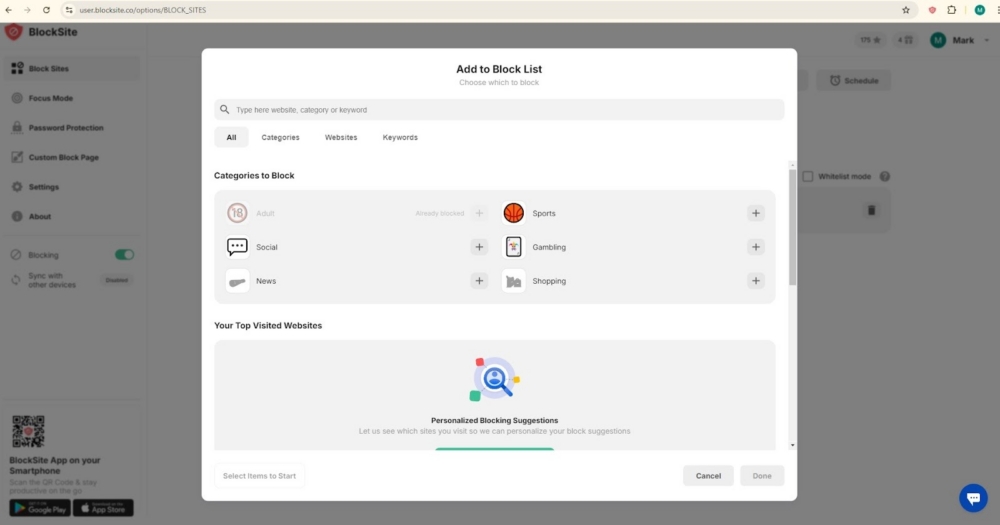
The feature set works together for effective blocking. BlockSite allows custom website blocking, scheduled access windows, focus sessions, and password-protected settings. These are not browser-specific features. Once configured, they sync through your account and apply everywhere BlockSite is active. Install a new browser or reconfigure a device, and your rules follow automatically.
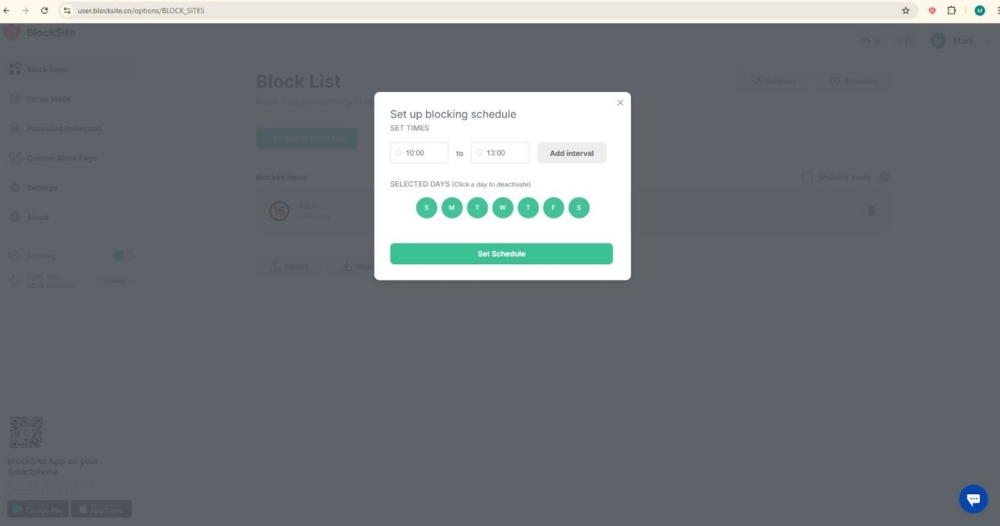
Blocking itself is also flexible. You can restrict access during working hours, block specific sites entirely, group websites by category, or create focused periods where you block websites temporarily. Because these rules are account-based, they behave the same way no matter where you are browsing.
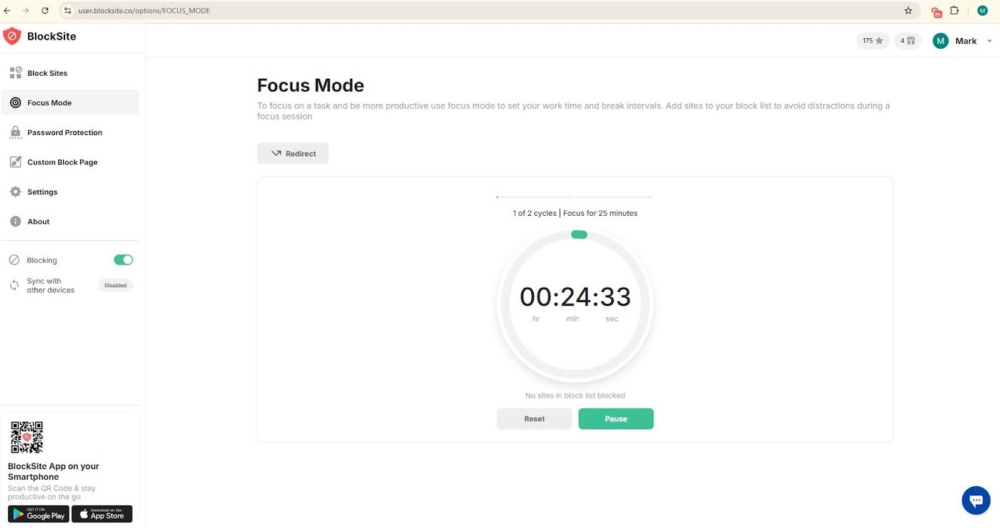
The result is a setup that feels less manual and more reliable. BlockSite connects desktop extensions and mobile apps through shared settings, which reduces friction and eliminates repeated configuration. For users who rely on multiple browsers and devices throughout the day, this focus toolkit keeps boundaries consistent without constant maintenance.
One blocker, consistent control across browsers
Jumping between browsers should not mean starting from scratch every time. Yet for many people, that is exactly what happens. Rules work in one place, disappear in another, and distractions slip back in the moment you switch apps or devices. A true cross browser setup fixes that problem. It keeps your blocking rules in sync, no matter where you browse or what screen you are using.
BlockSite takes this simpler route. It connects browser extensions with mobile apps and keeps settings synced under one account. You set your rules once, then carry them across Chrome, Firefox, Edge, Safari, and mobile devices without rebuilding everything again. Instead of patchwork control, you get one system that follows you. If your goal is steady, predictable blocking across browsers, this tool removes friction and keeps distractions from sneaking back in.
FAQs
Is there a website blocker that works across all browsers?
Short answer: yes. But there is a catch. Most website blockers stop at the browser level, which means their rules apply only where the extension lives. A smaller group of tools works differently.
BlockSite is one of them. It supports Chrome, Firefox, and Edge and connects everything through a single account. That account based setup keeps blocked sites off limits even when you switch browsers. Add mobile apps into the mix, and the coverage extends beyond a single laptop or desktop.
Why don’t most website blockers work on every browser?
Because many of them were never designed to. Traditional blockers are built as browser extensions first and foremost. Each browser runs its own extension framework, permission model, and limitations. That makes portability challenging. To function across browsers, a blocker needs shared rules, syncing, or system level logic. Most tools stop at the extension layer because it is simpler to build and maintain.
How can I make sure my website blocker works on all browsers?
Start with the basics. Check browser compatibility before installing anything. Chrome support alone is not enough if you also use Firefox or Edge. Next, look for account based syncing. Installing the blocker on every browser and signing in with the same account keeps rules synchronized.
If you switch between desktop and mobile, pick a tool that supports both platforms so your block list does not reset when you change devices.
Does BlockSite work across different browsers and devices?
Yes. BlockSite supports Chrome, Firefox, Edge, Android, and iOS. Everything runs through your account. Once you block a site or set a schedule, the same rule applies everywhere you are signed in. That includes laptops, tablets, and phones. No need to duplicate settings for each browser.
Are cross browser website blockers safe to use?
They can be, if you choose carefully. BlockSite follows common privacy standards and request permissions tied directly to blocking behavior. The safest way is to install only from official app stores and read the privacy policy before turning on advanced permissions.
What is the best way to block websites across all browsers and devices?
A blocker that combines multi browser extensions with mobile support offers the most effective fix. BlockSite does exactly that. One system, one account, and consistent restrictions wherever you browse.




 Take back your focus